Welcome to another Tesla Tuesday… on a Friday. Yesterday’s announcement was so big and there’s so much misinformation flying around that I thought I’d post right away.
First, in case you haven’t seen it, the headlines are that Tesla announced a flying car. Here are actual videos from the event:
It’s hard to watch those videos without getting a strong Back to the Future vibe! Tesla made a lot of waves a few weeks back when they got FAA permission to close airspace over the event leading to lots of speculation about whether the permission request was just a PR stunt, etc. Turns out it was legit (probably, I don’t know all the details about what you’re required to file for, but at the very least, stuff was leaving the ground.)
So let’s get down to some actual facts that we know from the event:
You’re not going to see cars flying down the interstate. The fans under the car are there for super customizable downforce. At low speeds (in corners), the fans will suck the car to the ground improving grip. At high speeds, the car reconfigures to reduce drag.
Production timing is targeted for 2028. You can reserve one today for $50,000.
The car contains pressure tanks that it can recharge on its own so you don’t need any special propellant.
There are three versions:
Performance: Seating for 2. Suction system for increased grip. (0-60 in 1.6 seconds)
Thrust: Adds acceleration thrusters. This has “limited” availability. (0-60 in 0.9 seconds)
Rocket: Seating for 1. Adds a full flight system. Only available by invitation. (0-60 in 0.59 seconds)
I expect that the flying version will be something that you’ll be able to experience in places like Dubai if you’re willing to pay enough money. There probably won’t be a lot of them in existence.
Why build this? We’re moving from facts to opinion, but Elon has always talked about making the best car full stop. No caveats. This specific model is intended to blow away many racetrack records. I’m excited to see what it can do. Hypercars push up to the limits of what you can do with traditional mechanical and aero grip, but this seems to be in a league of its own.
I don’t know how long it will be before we actually see them attempting to set those records or how long until people can actually buy one. It was announced in 2017 and the target date was 2020. So will we see it being produced in 2028? Probably not. But it certainly seems to be farther along than we’ve ever seen before and even if it’s never produced, this demo was impressive!
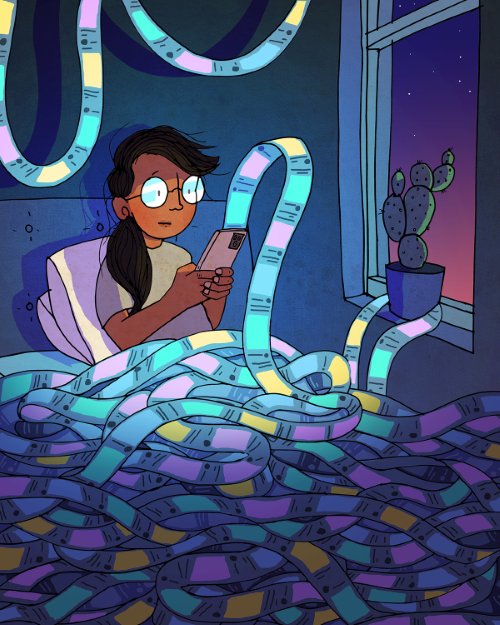
Shortly after I wrote my last post about being careful about how much time I spend on apps with endless scrolling, there was some big news: California passed SB 976 which bans algorithmic feeds and late-night notifications for minors. That takes effect on January 1, 2027. There are also two bills working their way through the federal level this summer that do similar things. And this is all in addition to many other states and countries that are in various stages of similar bans.
I have mixed feelings about all this. I’m concerned about the effects of social media and endless-scroll apps on all of us, so I like that we’re doing something to push back on this a bit and make people more aware of the dangers. But on the flip side, I don’t love the government getting involved like this.
The good news is that this feels like another step forward in the very early process of the public starting to realize how harmful these types of apps are. There are plenty of studies showing links to things like anxiety, depression, loneliness, sleep disruption, and dementia, but we’re still lacking the unarguable causation of long-term health implications like we have with smoking.
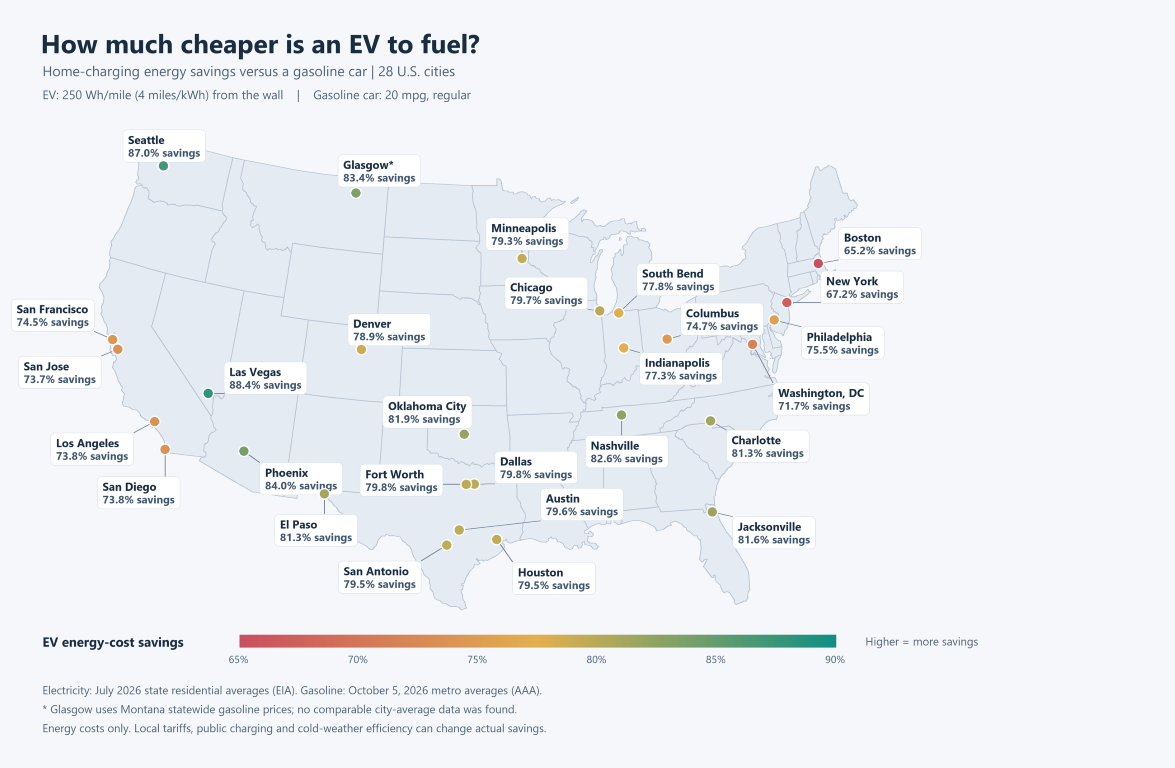
While chatting with a coworker from California about gas and electricity costs in his area, it got me thinking about the ratio between those two costs for various cities in the US. I set AI off to research these costs for the top 25 cities plus a couple bonus cities and here is the result. I baked the results into a bit of a calculator so you can punch in your own mpg and EV efficiency estimates (but if you don’t have an EV, note that 250 wh/mi is average for a Tesla.)
You can see that Seattle is a sweet spot. We have very expensive gas and very cheap electricity. I’ve been thinking a lot about this with our pending move to Minnesota. Will our next car be an EV? I’ll have to rerun the numbers to see if we’ll save money over the life of the vehicle like we have with our current Tesla, but honestly, we’ve come to love all the features of that car so much that I think it would be hard to buy something else. The flip side is that driving a Tesla feels like more of a “statement” in the midwest than it is here and I don’t know how much I love that. Knock on wood we have plenty of time to think about this as our current Tesla is still going strong.
Note that there is a lot more that goes into “how much would an EV cost/save” than just the cost of gas and electricity but this is a major piece of it.
I also turned this into a map using 20mpg as the gas efficiency (which is what my truck gets) and 250 wh/mi for the EV efficiency. Click on the map for a larger view.
At work, I’ve just released another open-source project that I’m really excited about: Kusto Slice Runner.
If you’re a developer or data engineer who uses a lot of Kusto (Azure Data Explorer), this is probably worth exploring a bit. It’s a developer-desktop job orchestration system for time-windowed queries. This is useful for doing ad-hoc analysis of enormous datasets, setting up prototypes of new pipelines, or even for developing changes to existing pipelines. It comes with existing skills that help your agent easily make new jobs and manage existing ones. All the state is stored locally in sqlite, and then served to a local web page.
There are tons of features packed in while still keeping the basic interactions simple and effective. I’ve been working on this for the past few months, and it has been an indispensable tool for me in my role as an individual contributor tasked with exploring new ideas for the org to pursue. I feel like I have a whole team working for me on all my various projects, not just developing them, but monitoring and maintaining them over time.
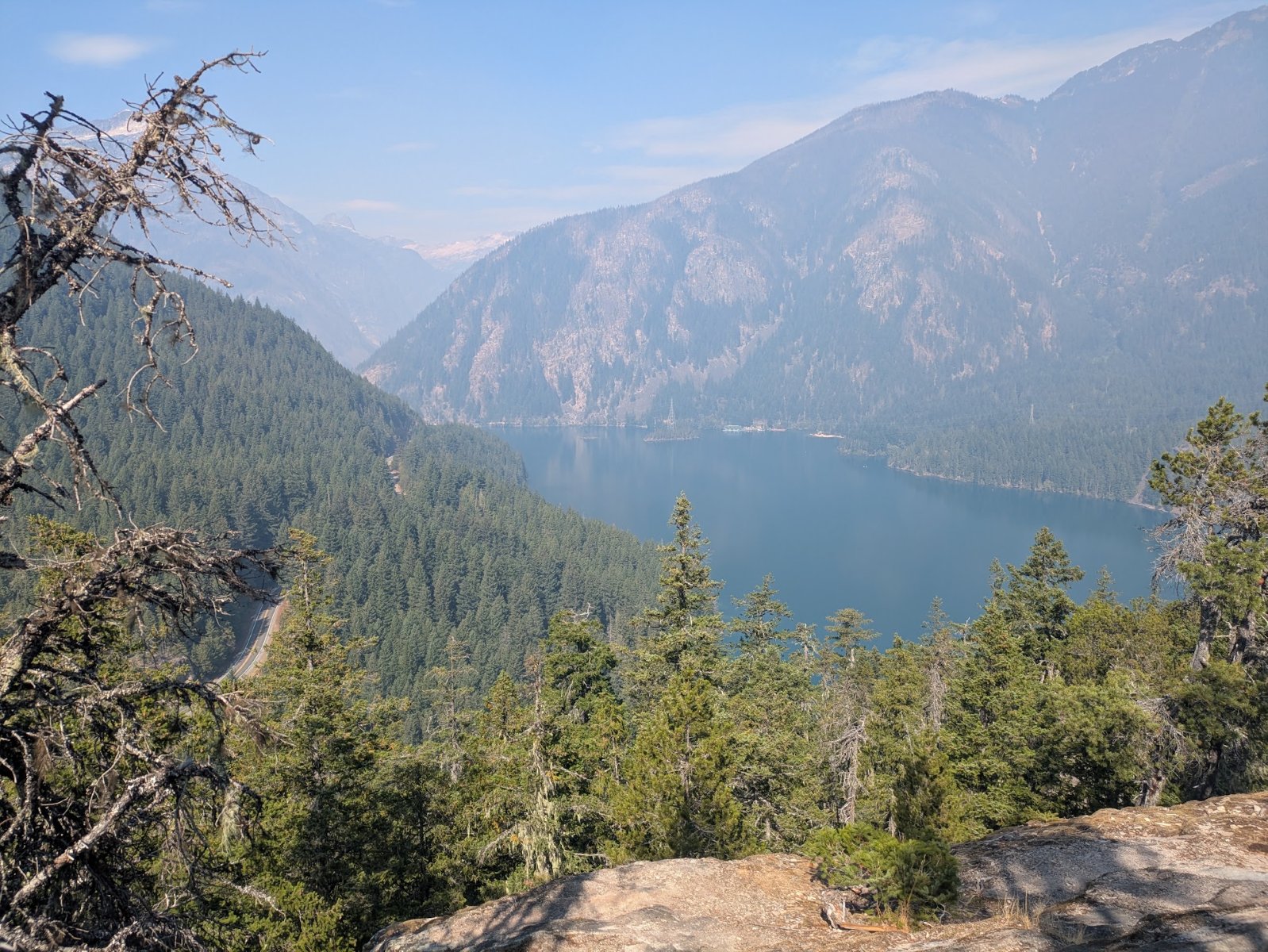
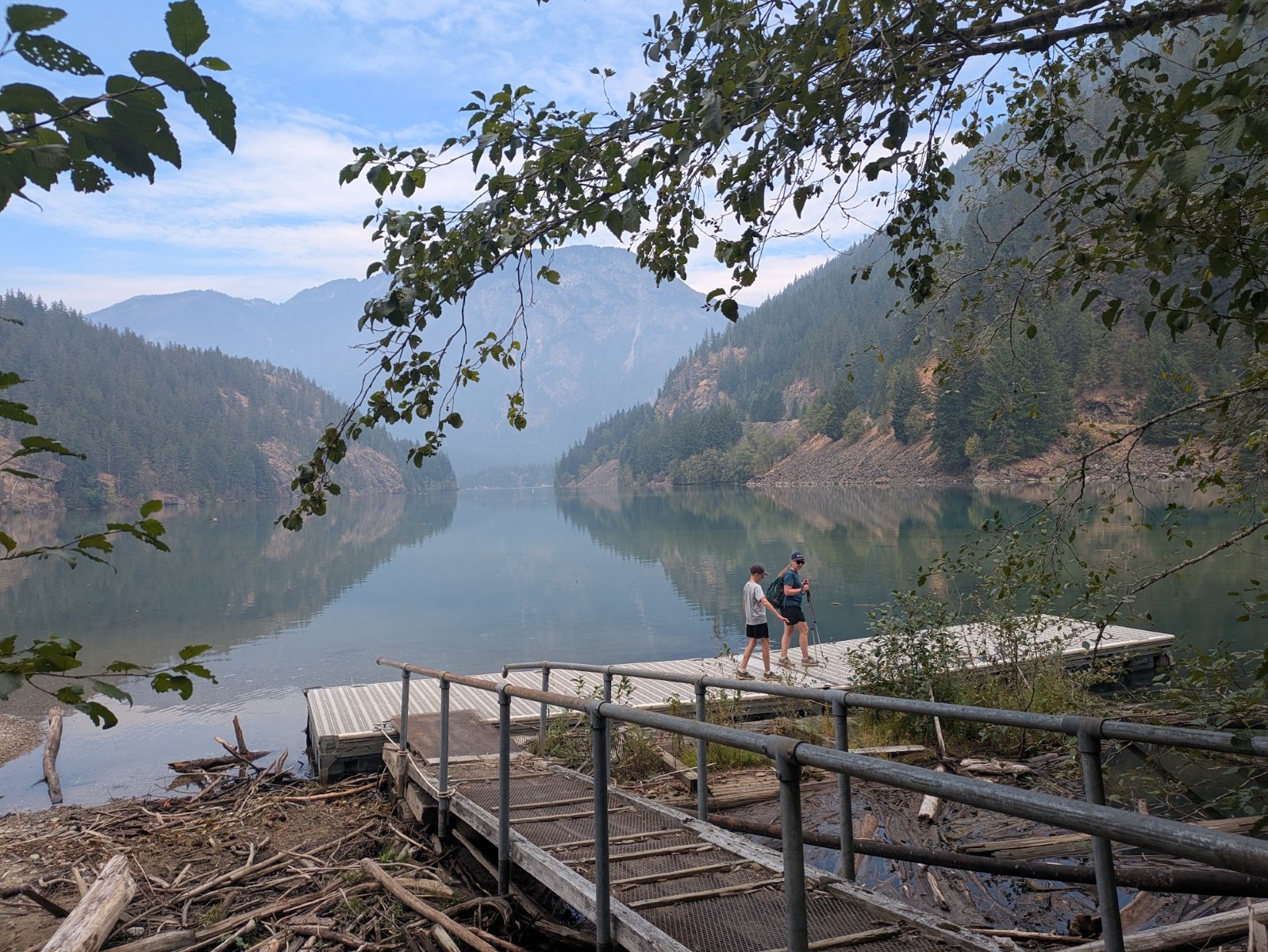
Even though we had recently gotten back from our long road trip, for my birthday I asked my family to spend ~4.5 hours in the car for one more national park adventure. We headed up to Diablo Lake which is in the area that contains both Ross Lake National Recreation Area and North Cascades National Park.
We did a hike up to an overlook with a nice view of Diablo Lake and stopped at the visitor center. We’ve been there before and even got the North Cascades stamp for Elijah’s book, but we failed to get the Ross Lake National Recreation Area stamp which was right next to it.
It was a lot of driving for a single day but it was nice to get out on one more hike. It wasn’t the perfect day since a fire in the area was adding smoke to the air. Plus, that area has become extremely popular over the years so the trail was overcrowded but we made the best of it.
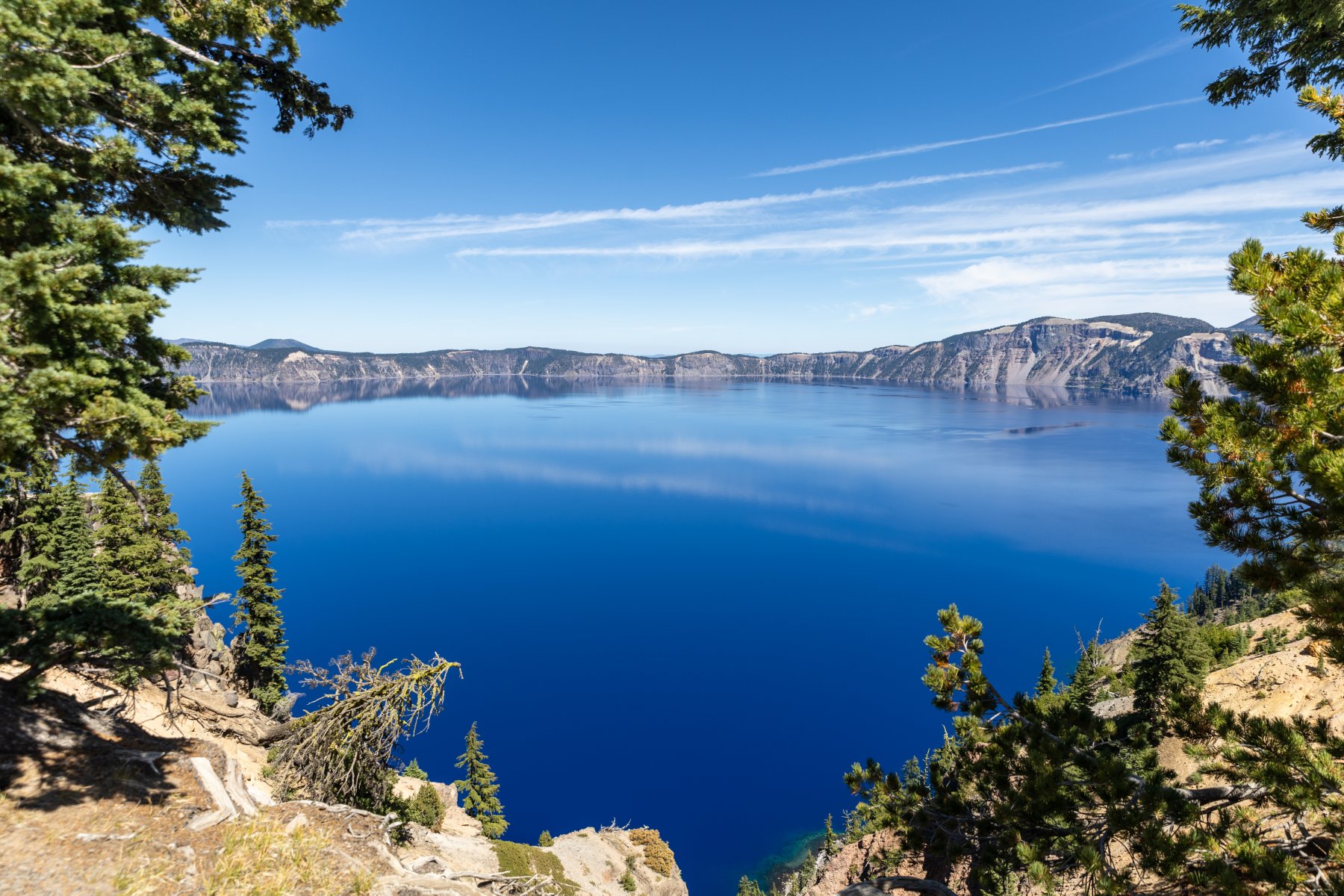
The short answer is, yes, Crater Lake is a National Park. But should it be?
There are many different designations that can be assigned by the federal government. The main choices for a place like Crater Lake would be park, monument, reserve, or preserve. The difference between the main two, park and monument, is that a park has a larger variety of resources and areas. A monument is more about a single significant resource and less diversity.
To put Crater Lake in context, think about Mt. St. Helens. That’s a national park, right? Nope. It’s a “national volcanic monument”.
I’m not saying that Crater Lake isn’t beautiful or that it shouldn’t be preserved. I’m glad it is federally protected forever! It’s fantastically blue and I’m glad we stopped there. But does it live up to the “national park” rating. I don’t think so. While I’m sure you could stretch to find other things to see besides the lake, that’s really the bulk of it. And yes, you can drive around to see it from different angles but how much does that really add to your experience?
The real reason why it’s a park and not a monument? It was designated as a park in 1902. The Antiquities Act didn’t come along until 1906 and that’s what created the “monument” category. It allows presidents to declare anything a national monument without going through a full legislative process.
I don’t want to sound like I’m bagging on Crater Lake too much, but there are a lot of national parks where you can easily spend a week exploring what they have to offer. I wouldn’t put Crater Lake in that tier.
There’s a term on the internet called “tl;dr” which means “too long, didn’t read”. In this world of LLMs, I propose a new one: tai;dr (too AI, didn’t read).
In both my personal life and work life (but especially at work), I’m flooded with documents, presentations, and emails that are primarily or completely written by AI. It’s fantastic what they can do, but they do not replace humans. I have a lot of problems with this practice but here are a few:
We talk a lot about losing context on the software we are building. When I have an agent write my accompanying document, I lose an important opportunity to build that context.
Similarly, the act of writing is a critical step in the learning process. There is a saying that if you want to understand something, you should teach it. Writing a document is like teaching someone else about the topic and you will have a much deeper understanding if you work through the creation of it yourself.
You shouldn’t ask me to consume any content that you haven’t deeply understood yourself. It should take you much longer to write it than for me to consume it.
The AI smell is obvious to other people. With some people, you’ll immediately lose credibility. With others it might take longer but as soon as they see a hallucination, you’ve lost credibility. It’s extremely hard to build credibility but very easy to lose it.
I use AI for almost everything I write, but I use it to review my content, tell me where my communication is unclear, or suggest other thoughts I might want to include. I have definitely tried the full AI communication, and it was nice to be done quickly, but ultimately those were bad choices. My content is now certified organic, small batch, and artisinal!
Last year at Yellowstone, we were standing at the “Grand Canyon of Yellowstone” and Elijah commented how big it is. I told him that this was tiny compared to the Grand Canyon and he said, “Can we go there?” Yes, son. Yes, we can. But if we’re going to drive that far, we’re going to pack more stuff into the trip! The trip went through a few different iterations, but we ended with Bryce Canyon, Grand Canyon, Death Valley, and Crater Lake as the National Parks we would hit. It was a long trip, and this post will probably be so long that nobody will read it, but that’s ok. I want to record all the great memories for us to read in the future! If you scroll to the bottom, you can watch the video montage.
I know there are people who enjoy setting off on a trip with very little planning and seeing where the adventure takes them. I could imagine doing something like that, but when this trip is carefully fit into a packed summer with limited vacation days and a family in tow, that would stress me out. I get a lot more out of my vacation if I can have it thoroughly planned ahead of time and then just enjoy not making as many decisions on the trip. This year, I took that planning to the extreme.
I started by planning out what town we’d be in each night and making hotel reservations for each stop. From there, I used GitHub Copilot to help me a lot. Some of the things I used it for:
It would periodically look through all our hotel reservations, see if the price was cheaper, and then recommend whether we should rebook the reservation or not. This saved us well over $100 in total.
I fed it all our restaurant information from our credit card statements, had it figure out what we like to eat, and then had it pick ~3 restaurants close to every hotel. It included a link to the menu and an estimated price for the three of us to eat. This made it super easy to decide what we were hungry for without endless choices. Fun fact: the first time we drove ourselves to dinner was Day 7! Many of our dinners were close enough to walk which was very nice after so much time in the car. We packed all our lunches and ate in the car.
I told it to analyze our route and identify every Costco gas station that would require less than a 2-mile total detour. It also reported on how much of a discount that station was compared to the stations around it so I could decide if it was worth using Costco or not. It’s nice for saving gas but it’s not convenient for using the bathroom or cleaning your windshield. We still used them a lot.
It found at least one or two grocery stores near every stop in case we needed to restock.
I built a web page with an itinerary for each day along with the restaurant, gas, and grocery store information. It was accessible from my website, as an app on our phones, and printed in a binder that we carried in the car. Was it necessary? No. Did we love it? Absolutely.
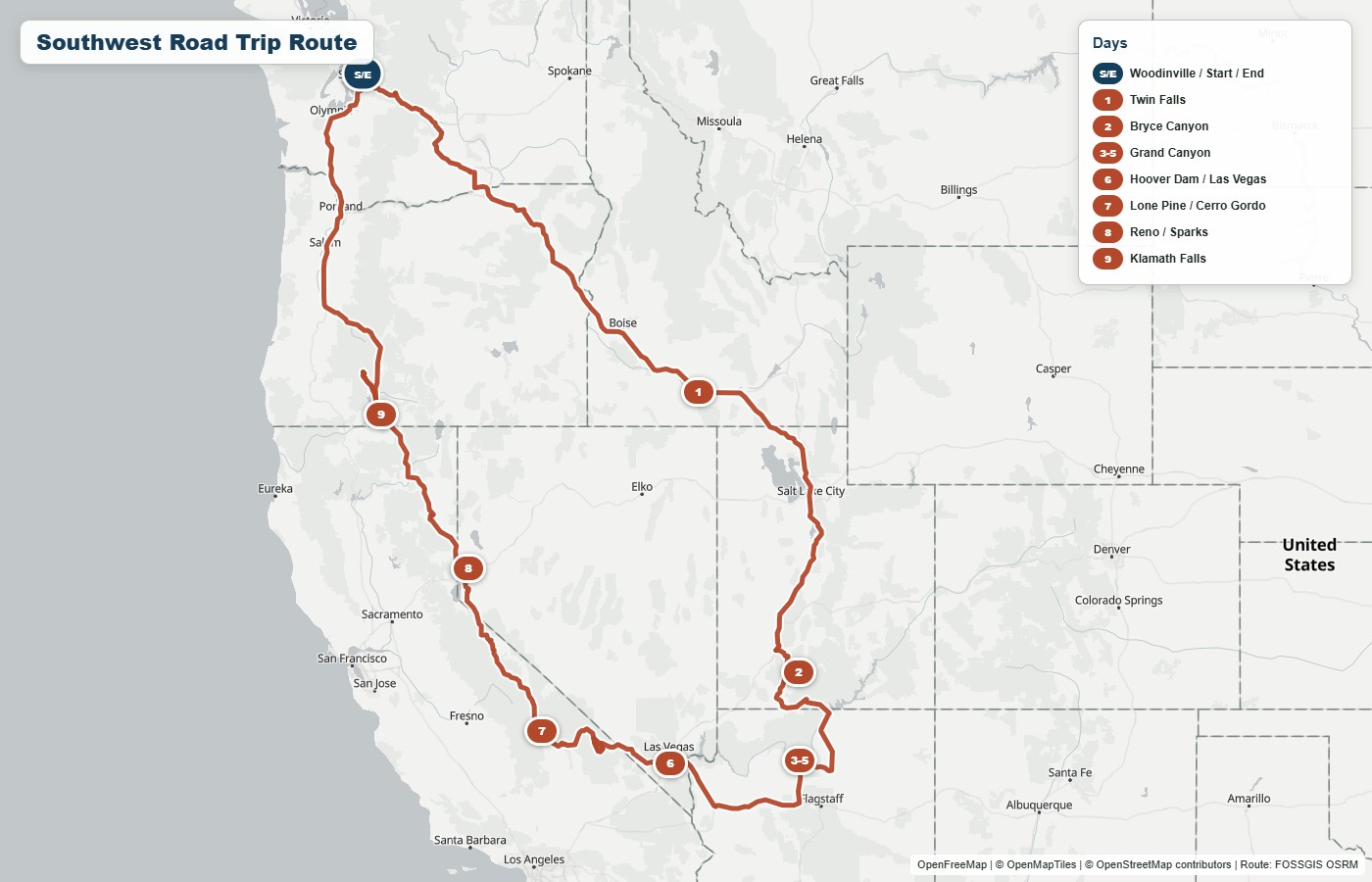
You should be able to click on any of the images in this post to get a bigger view, but here was our route. I’ll explain it day by day with photos along the way and then wrap up with some other topics.
Day 1 – On the road
I tried to front-load the worst driving days. Some might say that this wears people out too soon, but I read that the way you finish your trip has a big effect on how you remember it, so I try not to make the end a slog.
Seventeen miles into the start of our big adventure, the lights on my dash lit up with a warning sign and an audible beeping. Thankfully it ended up just being the battery in a tire pressure sensor that was going bad, but that meant that throughout the trip, the error would pop up, give me a minor heart attack, and then I would dismiss it.
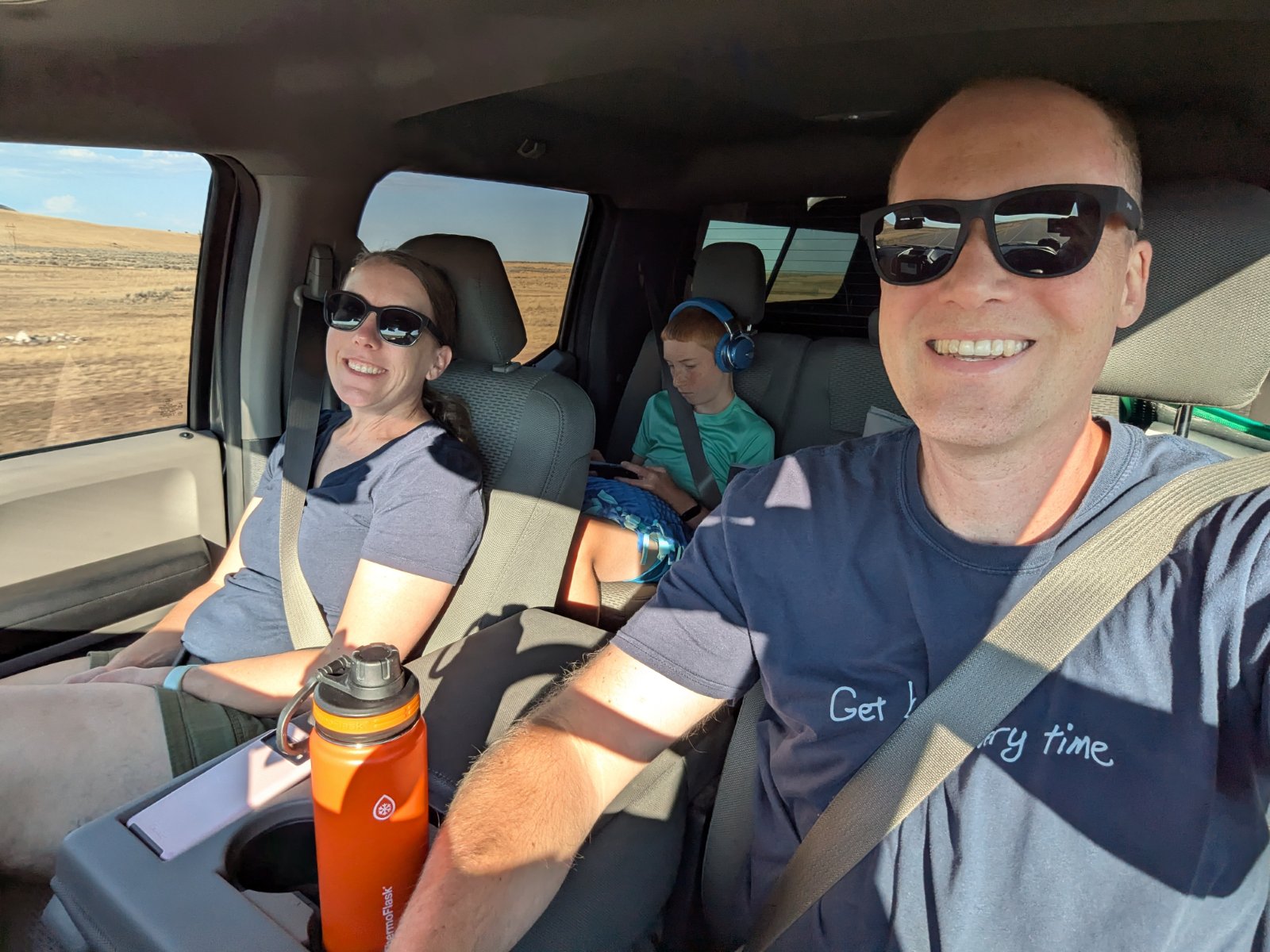
Other than that happening periodically, there wasn’t anything too special about this day. We hit the road by about 5:30am and chugged the 620 miles to Twin Falls, ID. We stayed at Best Western Plus hotels every night except for our days in the Grand Canyon (and Lone Pine, CA which was a regular Best Western.) We’ve stayed at that particular one multiple times, and we enjoy it. For the last couple hours of the drive, we could see a storm brewing and it was a race to see if we could get past the spot where it was going to cross the interstate. We stayed dry the whole trip and then the moment we went out to get our bags from the truck, it CUT LOOSE. It was so intense that I just ran out to get a couple things and then Tyla and Elijah went swimming while I waited for the rain to pass so I could bring in the rest of the bags.
Day 2 – Driving and Bryce Canyon
The second day was supposed to just be another day on the road, but we made great time thanks to 75 and 80mph speed limits. We covered the 486 miles to Bryce Canyon National Park and arrived there around 2pm. We checked into the hotel (the famous Ruby’s Inn) right outside the park entrance and decided to head into the park for the rest of the afternoon. Even though we were tired from the drive, it was fun to finally be in a park!
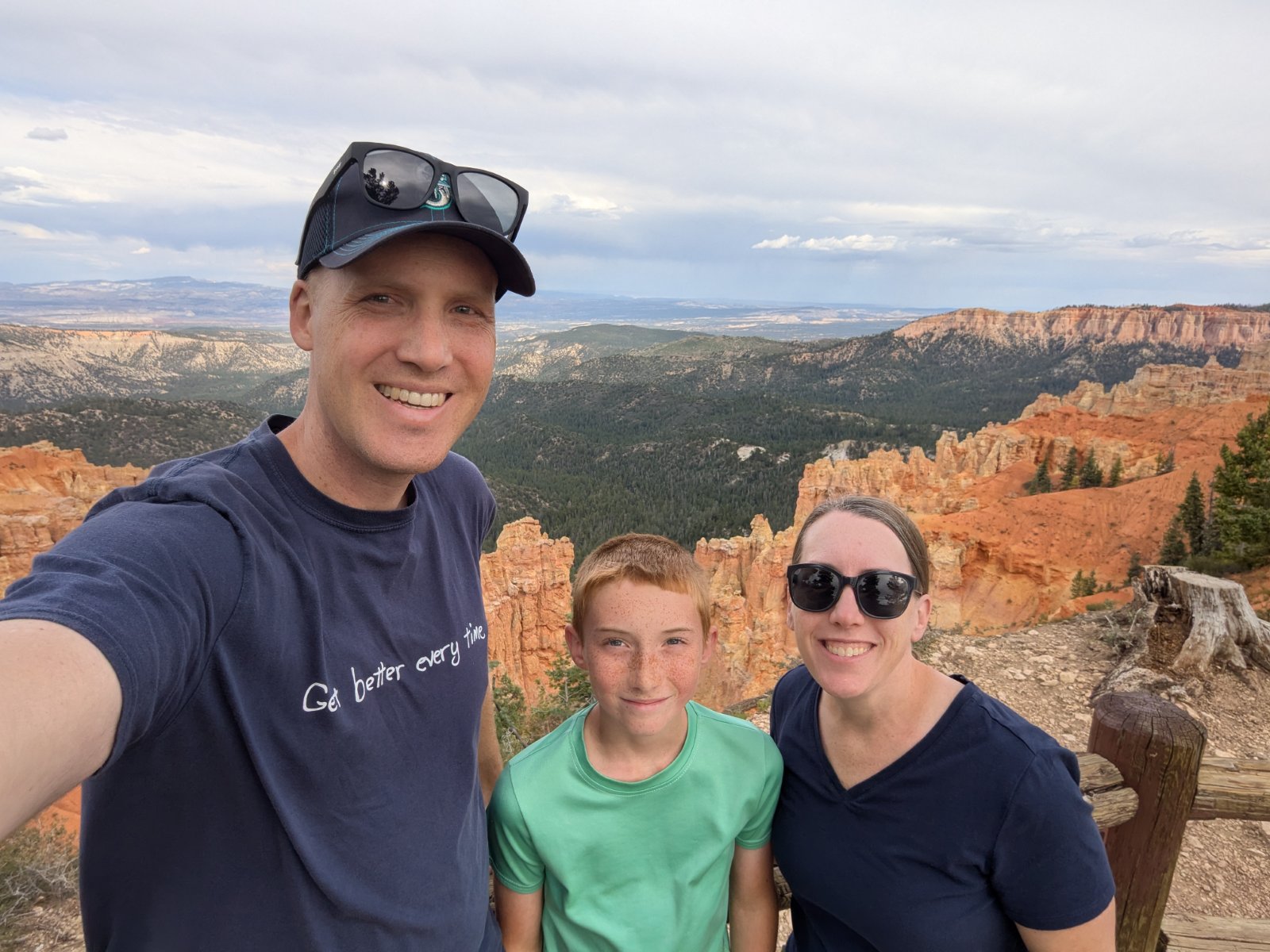
We did the drive out to Rainbow Point and then stopped at a bunch of the lookouts on the way back. It was a low effort way to get a lot of sightseeing in.
Day 3 – Bryce Canyon and Driving
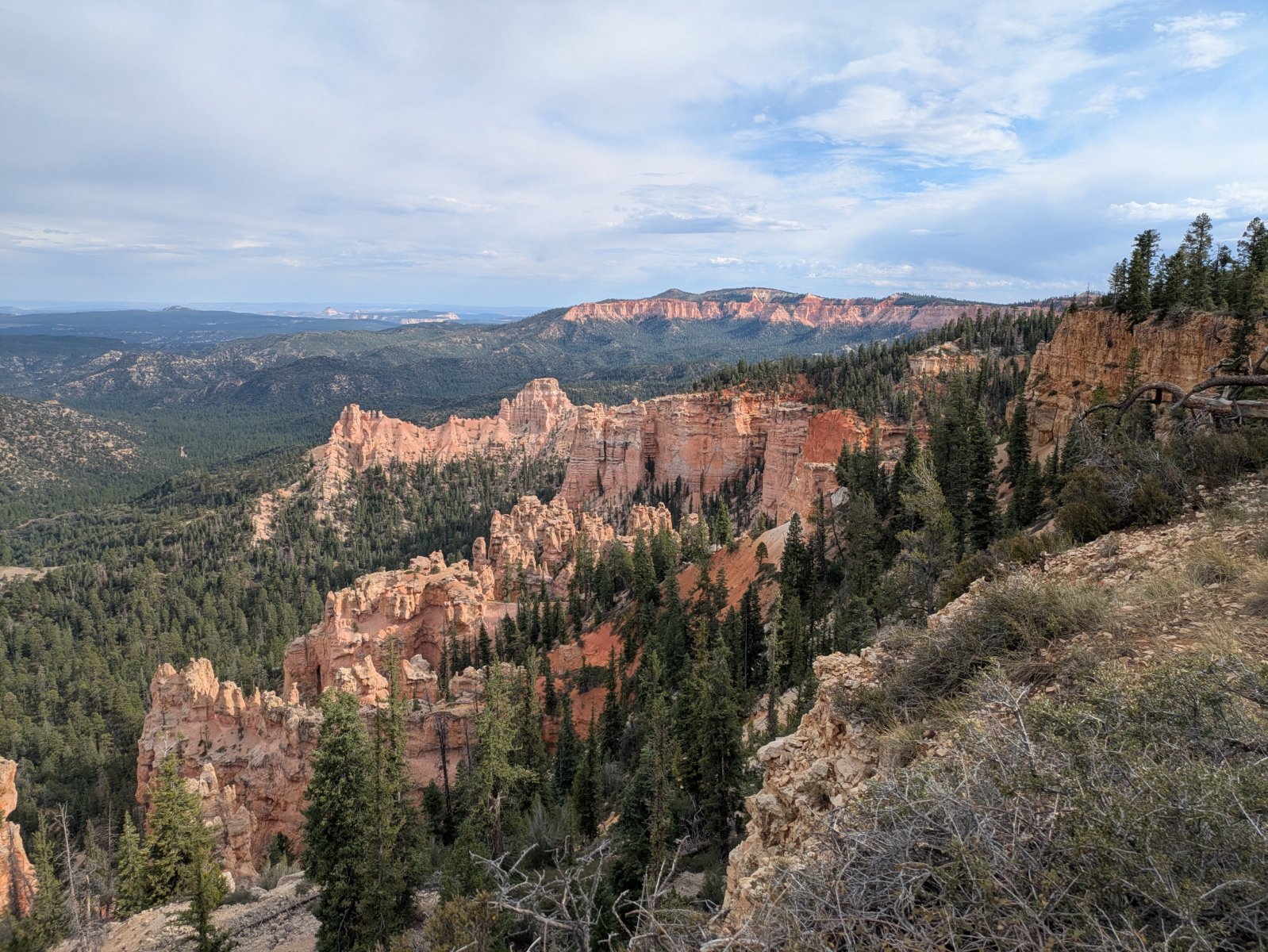
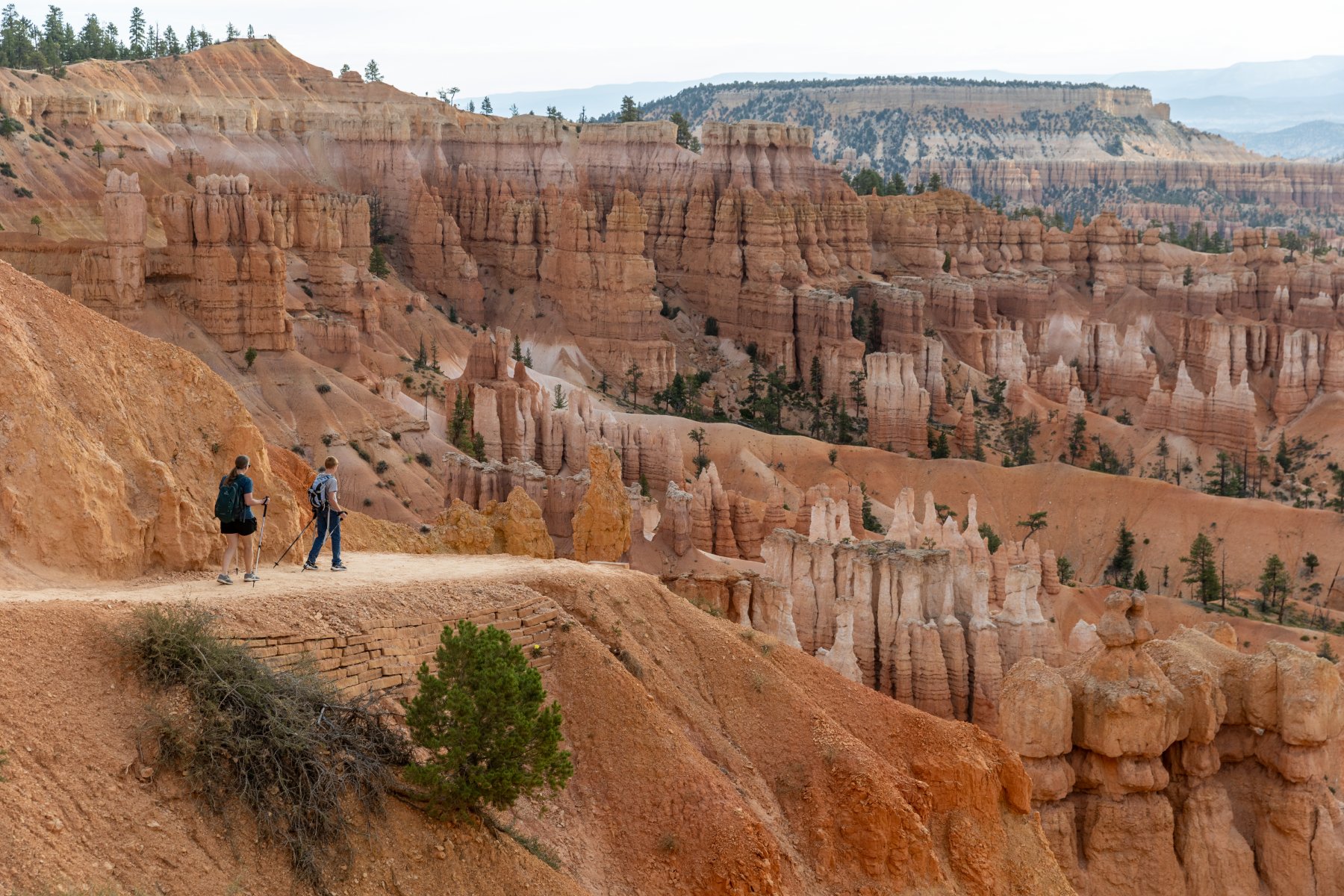
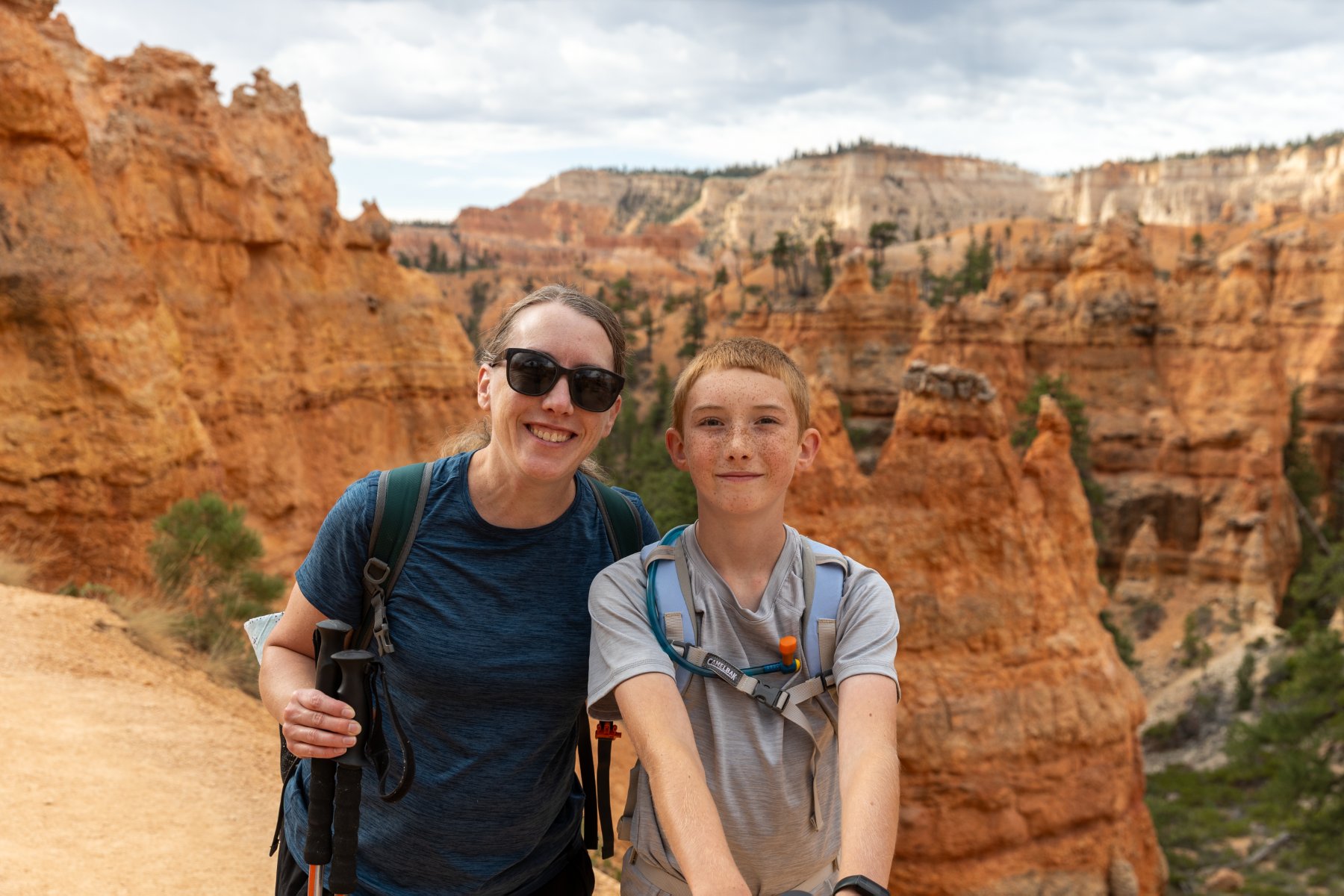
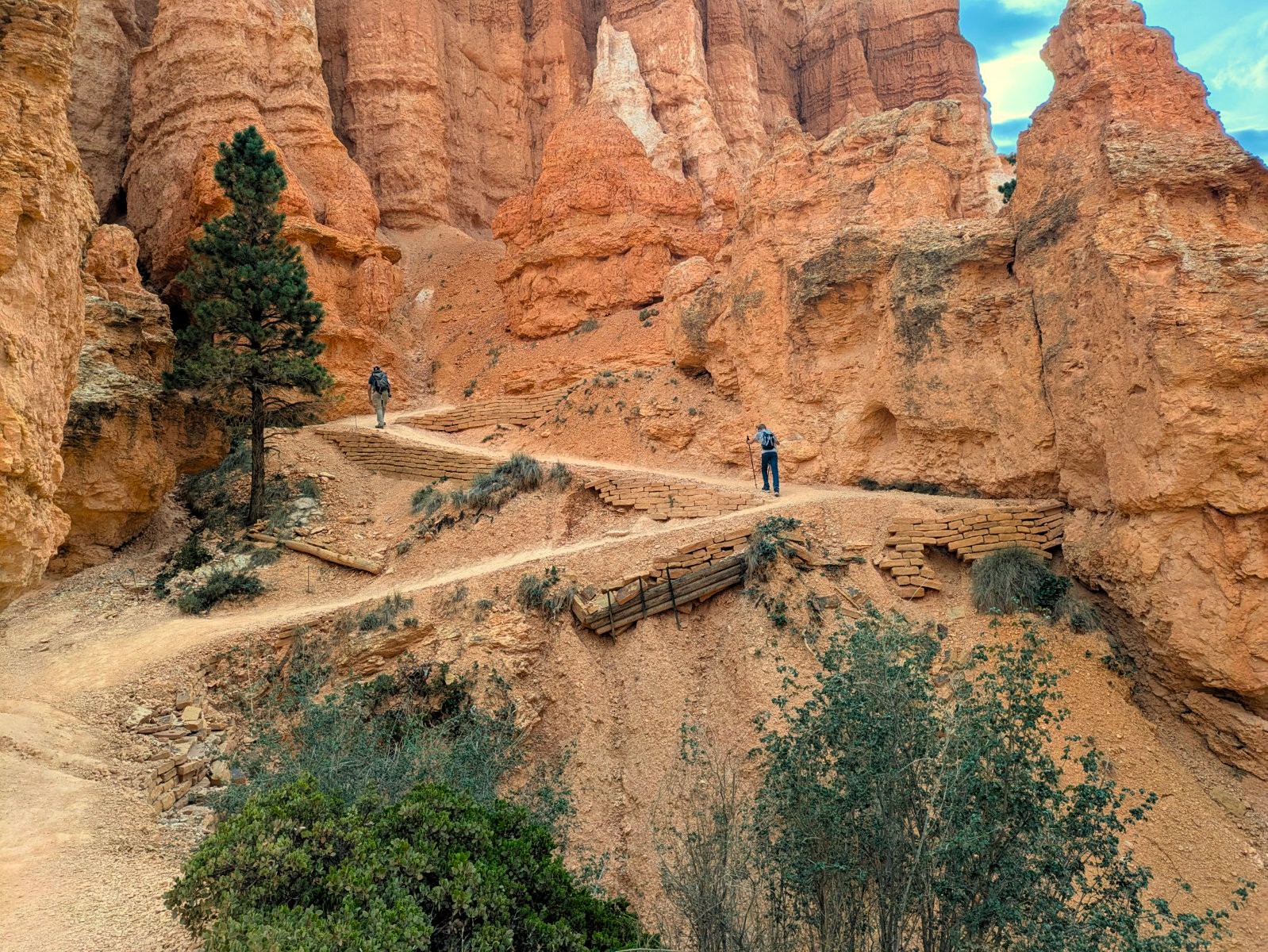
I was super thankful that we got to the park earlier than planned yesterday because we needed to be on the road shortly after lunch to make it to the Grand Canyon around sunset. It is NOT enough time to spend in this park but we made the most of it. Most days of the trip we got up around 5 or 5:30 and were on the road ASAP and this was no exception. We made it to the trailhead before most people, but the trail was still plenty busy. It had some neat switchbacks to descend quickly into the canyon and then the trail had a ton of great views that changed quickly.
We were able to use our rewards status to get free late checkout. That was convenient so we could come back to the room after the hike, get changed, eat lunch, and pack up. Elijah was able to get in a quick swim too.
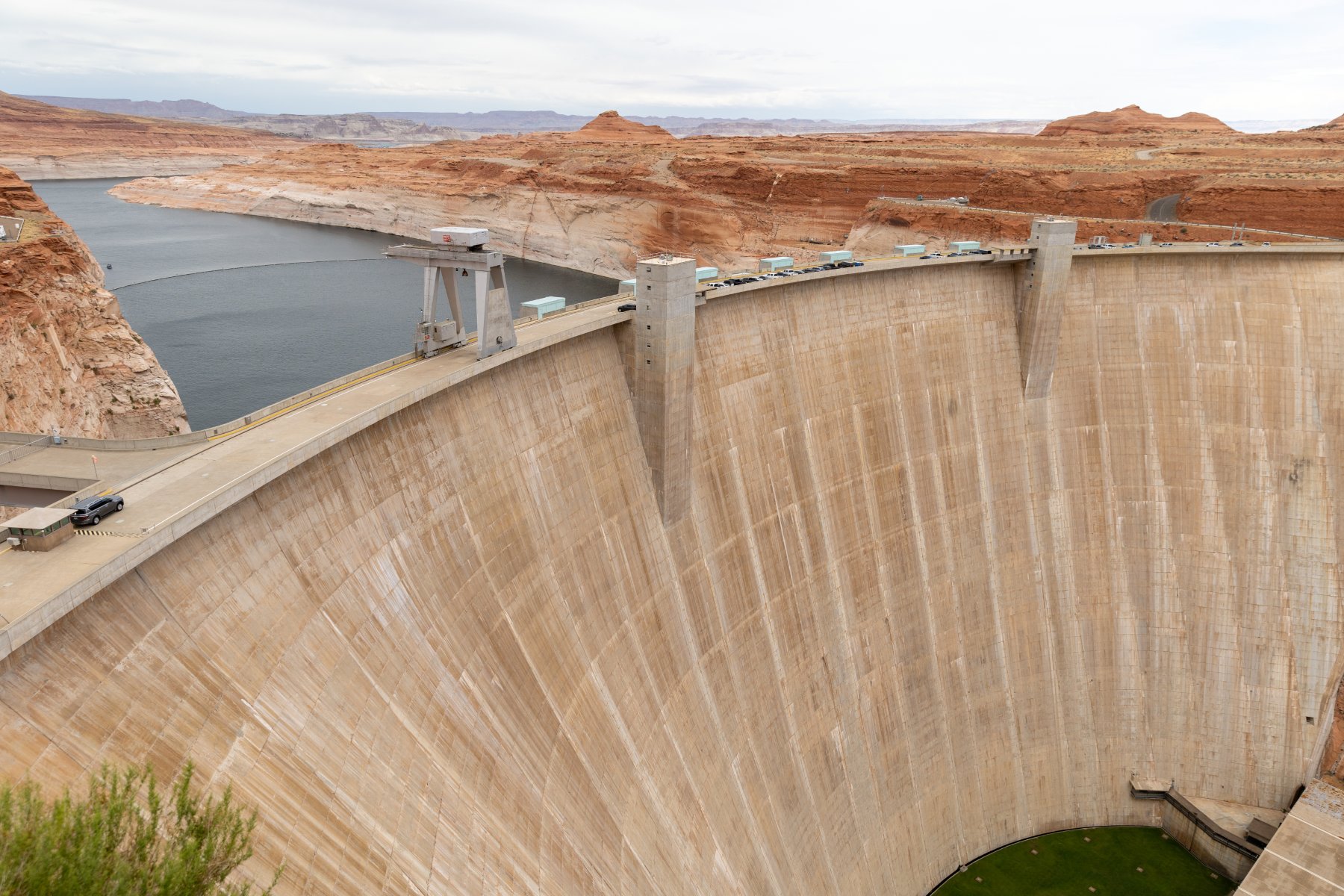
Then it was back in the car for another ~300 miles down to the south rim of the Grand Canyon. On the way down there, we stopped at Glen Canyon Dam, got a stamp and looked around. There weren’t a lot of places to stop for a restroom on this drive, and this was certainly a convenient one!
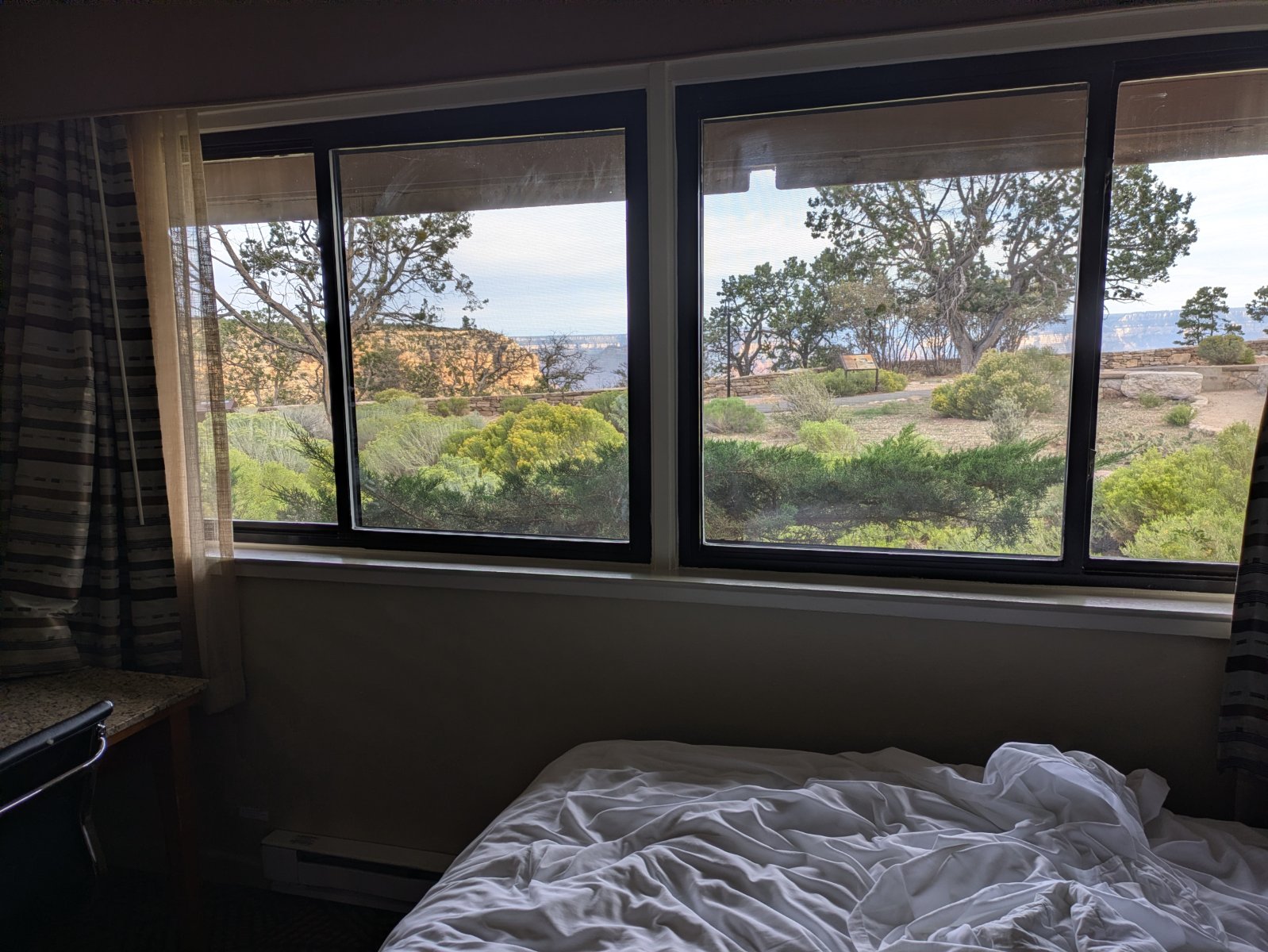
We got into Grand Canyon a little before sunset. We had splurged for a canyon view room right in the village. We were tired and hungry when we arrived and the parking situation was a bit overwhelming but we were super thankful to have a spot magically open up within reasonable walking distance of our room. We quickly unpacked and then walked to dinner before heading to bed early for another early morning adventure!
Day 4 – Grand Canyon
This was it! The park that started the whole idea of the trip! We had gotten a glimpse of the view on the drive in from the eastern gate of the park the day before, but now we could really soak it in. First up was breakfast though. The hotel didn’t have breakfast and the rooms didn’t have a microwave so we ended up walking about 20 minutes to the Maswick Food Court for a breakfast that was fine. Unfortunately doing that added quite a bit of time to both of our mornings. I’d probably do something different knowing what I know now, but it was fine for what it was.
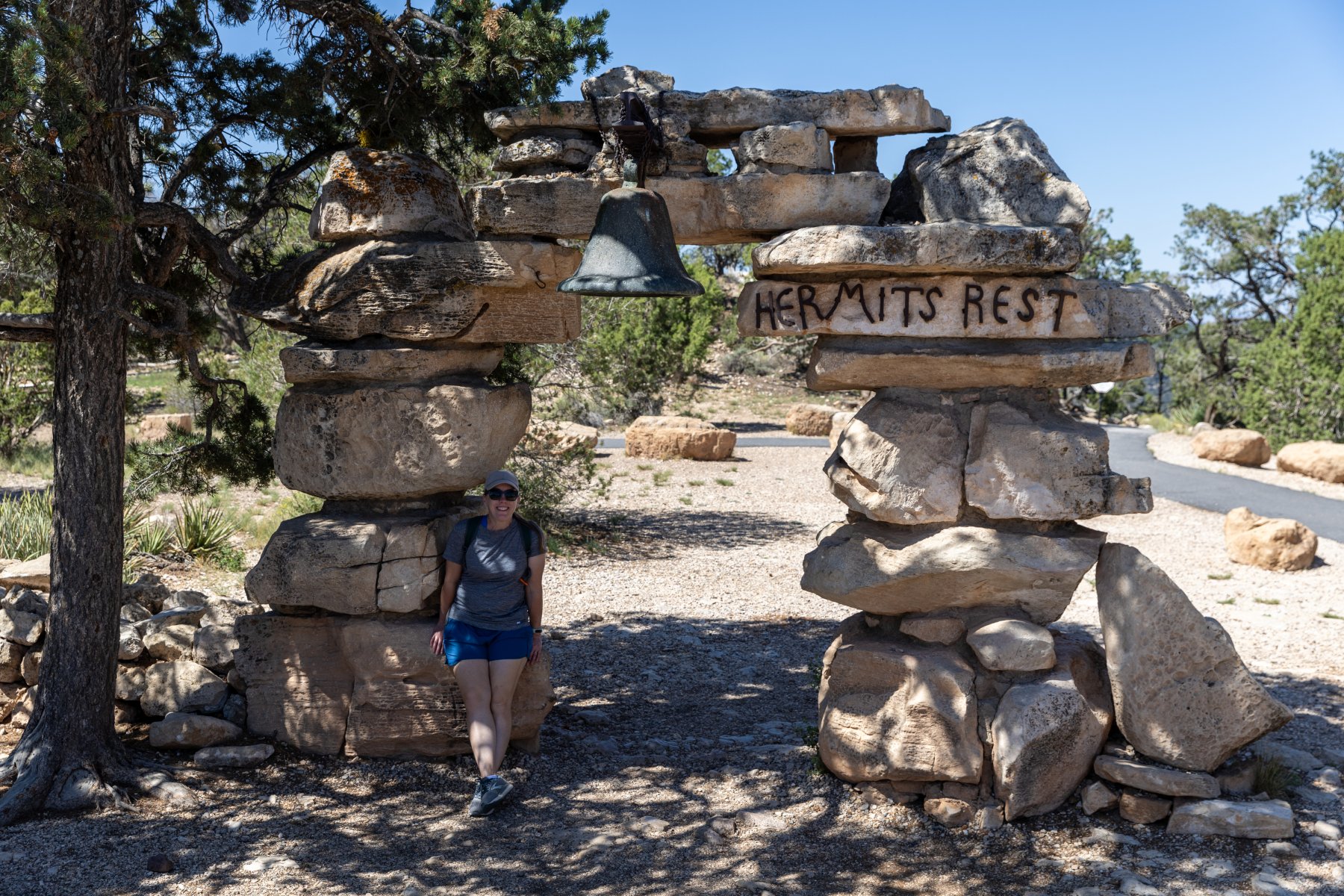
The park can get very busy in the summer so they run a shuttle system. I wasn’t thrilled about it when I was reading about it before the trip, but honestly it worked out really smoothly. After breakfast we hopped on the red shuttle that runs from the village out to Hermit’s Rest. It’s a beautiful drive and we got out at most of the overlooks. We even hiked between a few of them.
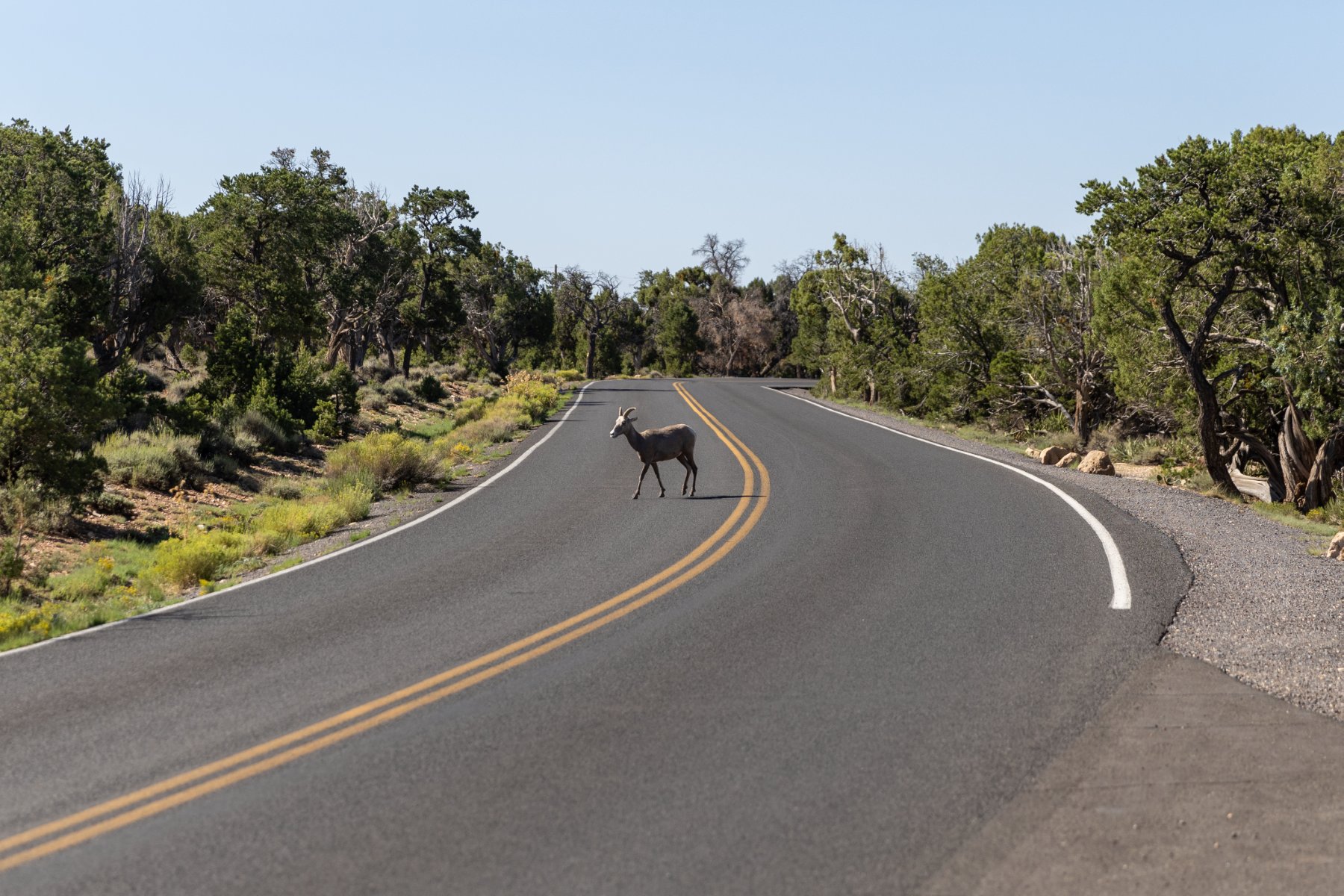
As we were on one of those stretches, we were met by two big horned sheep! Cool but… augh! It took us a bit to figure out how to get out of their way but we were able to backtrack to a big enough area and they crossed the road so we could continue on.
Temps were in the low 90s while we were there which seems like a blessing compared to what it could have been, but it was still plenty hot for us. By the time we made it out to Hermits Rest, we were hot, tired, and ready for the air-conditioned bus ride back to the village.
We went to the room, cooled off, had lunch from the cooler, and took naps. But we couldn’t be done! We were at the Grand Canyon! So we took a hike recommended by the awesome Dirt in My Shoes itinerary that powered all our stops on this trip just like it has so many of our National Park trips before. This time it was a “secret hike” that wasn’t on the map but WOW! It was so worth it! The view was incredible with no railing and no one else around. We soaked that in for a while before returning back to the room and then walking to dinner.
Speaking of the food, none of our food was great in the village. You’re a captive audience and there’s one contractor that runs it all. It’s expensive and mediocre but it was good enough. We were really hungry after our days of adventuring anyway. I think the Maswick Pizza Pub ended up being our favorite spot.
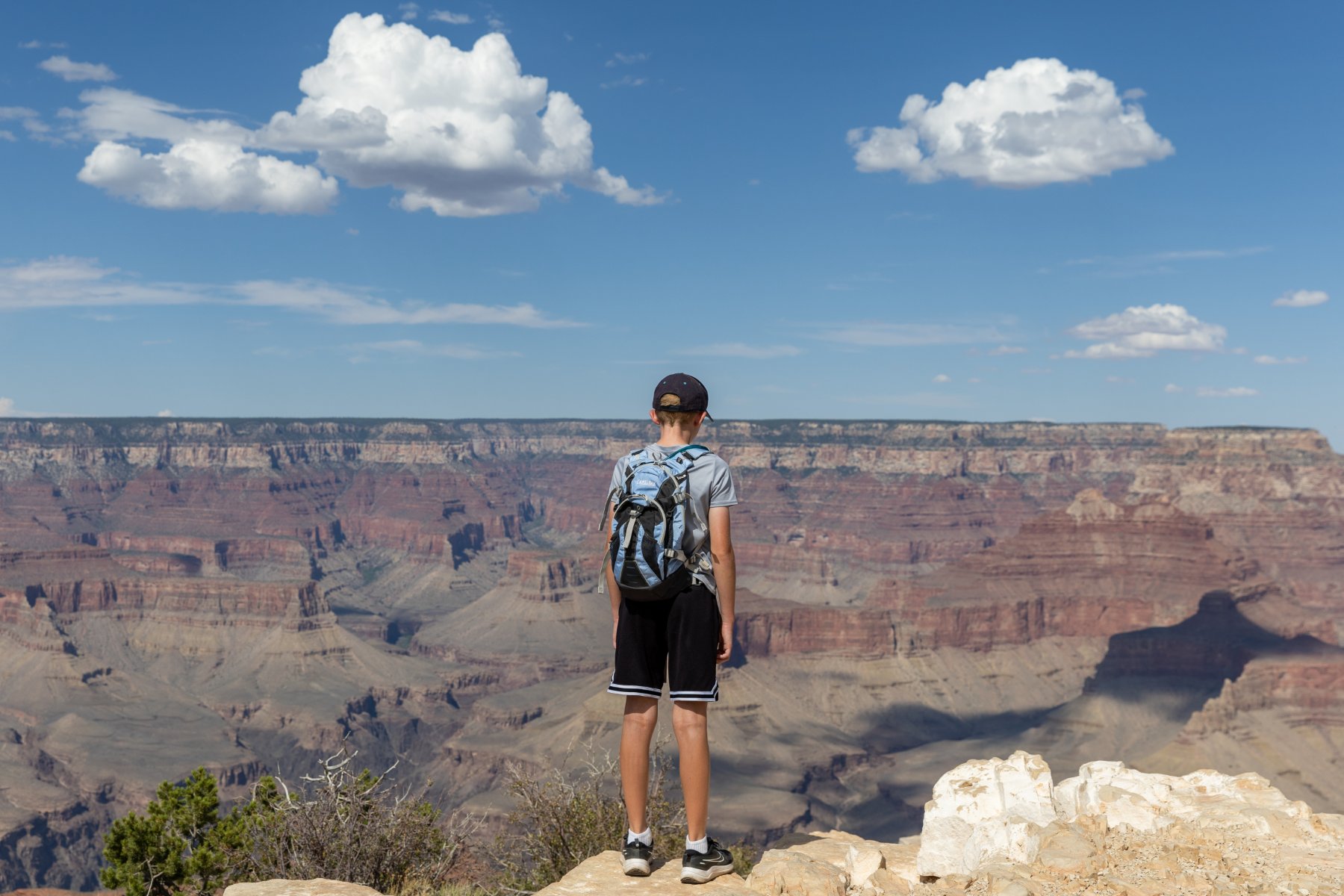
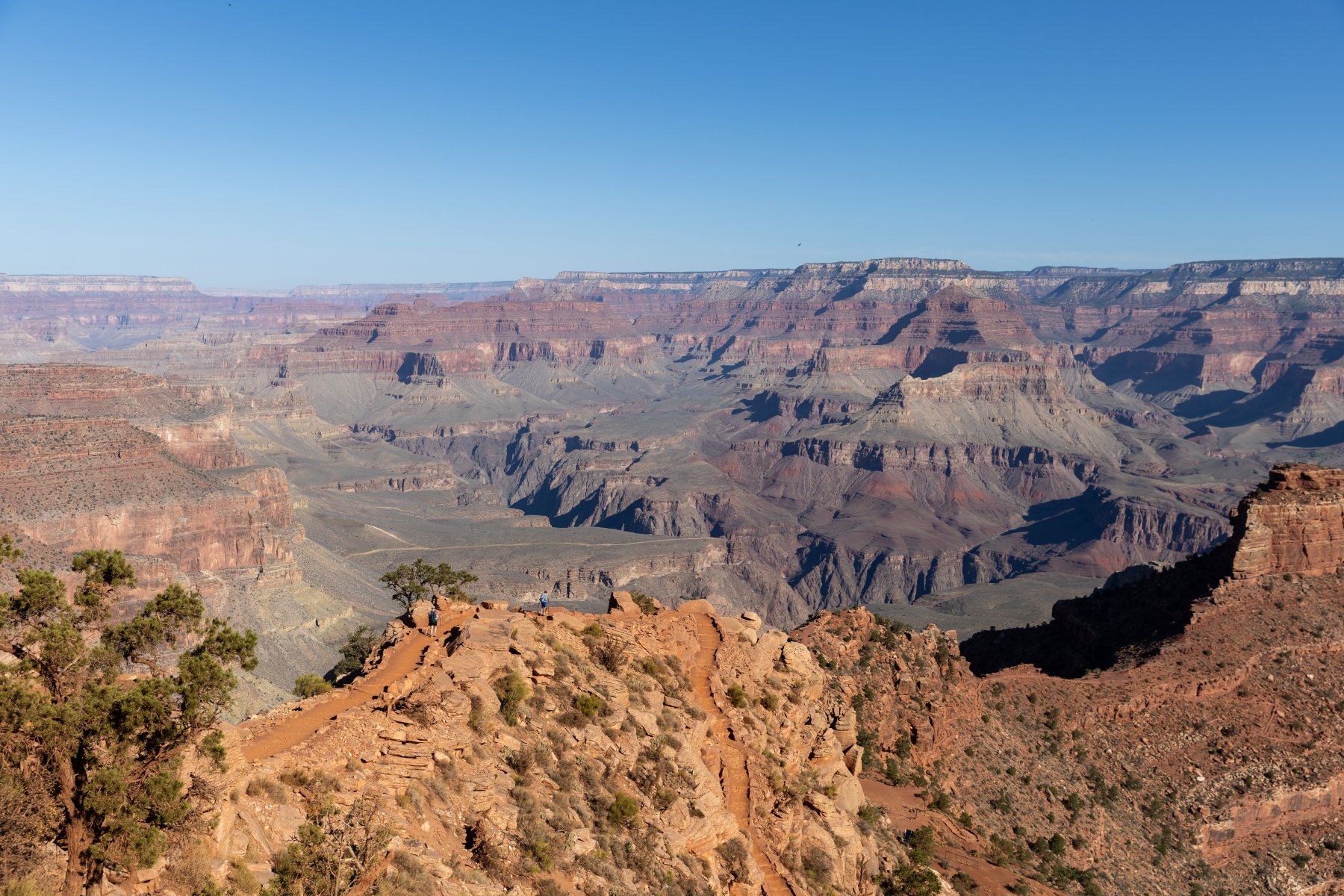
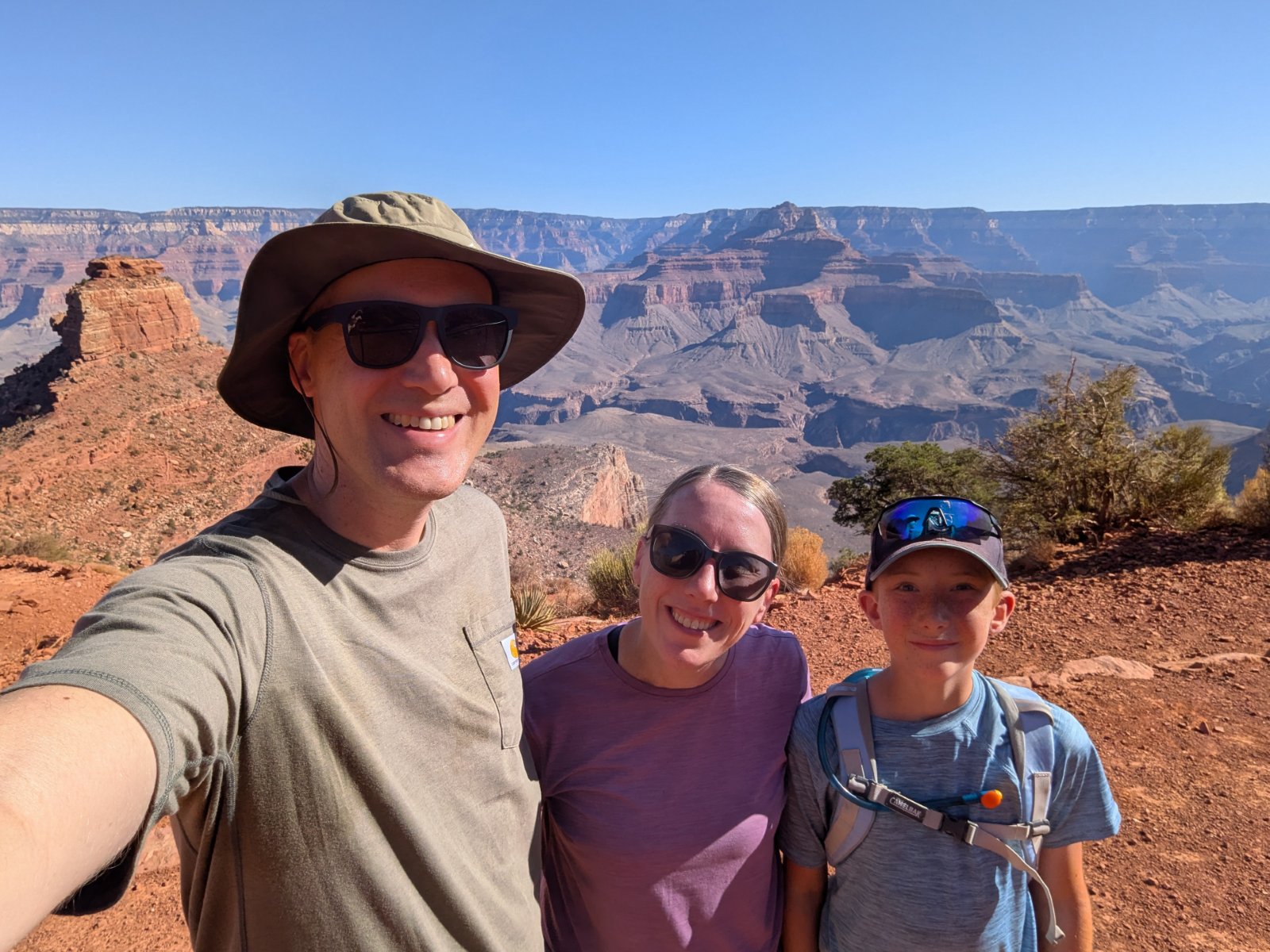
I also learned that it’s really difficult to photograph the Grand Canyon. It’s so big that no picture can do it justice or even vaguely communicate the feel of standing there. A lot of my favorite pictures ended up having Tyla or Elijah in the foreground to provide a little perspective but the pictures ended up looking pretty repetitive.
One last highlight for the day was that we didn’t drive ourselves anywhere and we slept in the same place that we woke up!
Day 5 – Grand Canyon
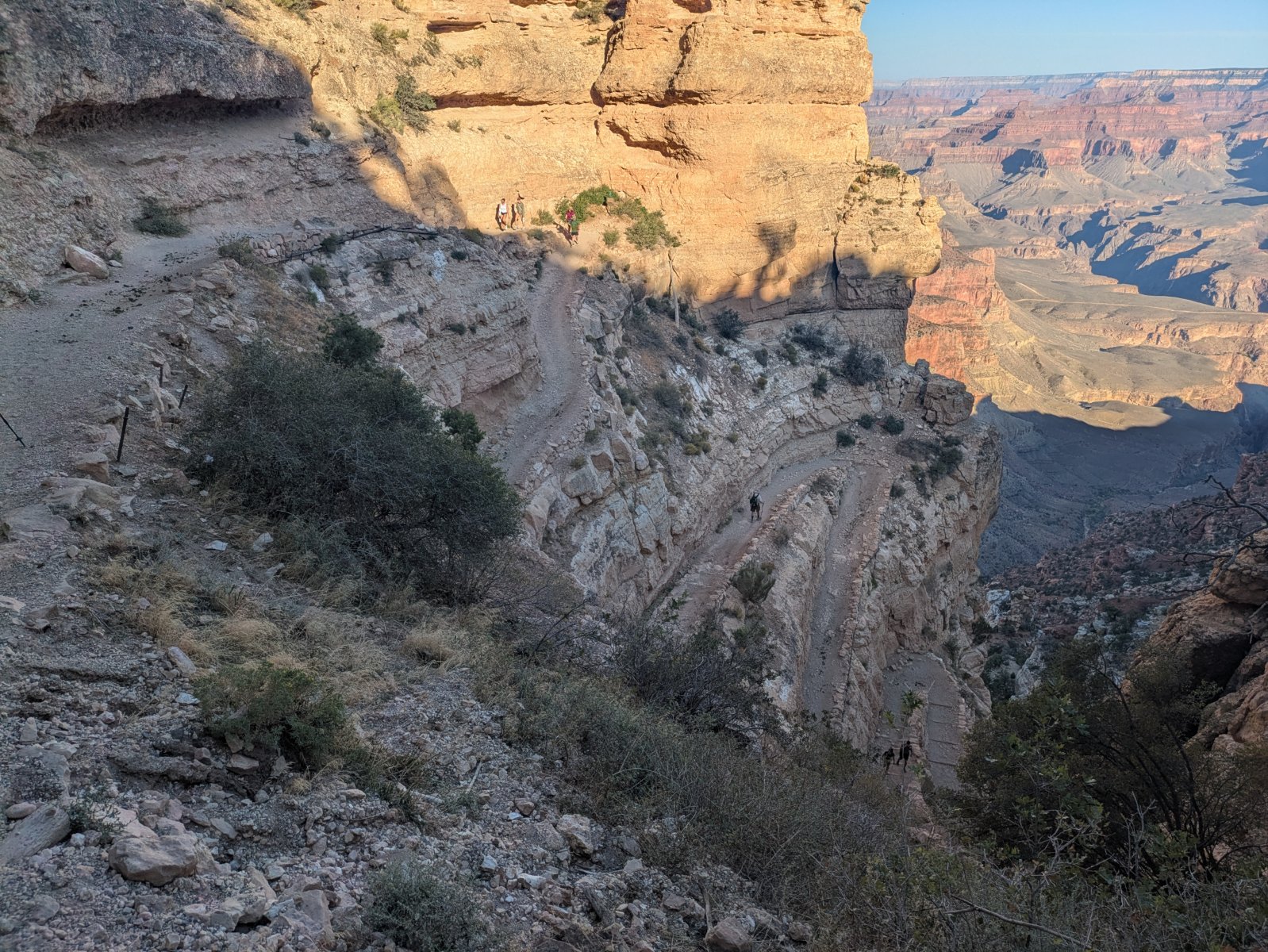
Our second day in the park, like my basketball career, was spent below the rim. It featured our most intense hike of the trip. The route to Cedar Ridge was only about 3 miles and 1120 vertical feet, but the terrain is intense and punishing. You hike DOWN first and then you have to hike back up in the heat. We started as early as we could and ended up having a fantastic hike.
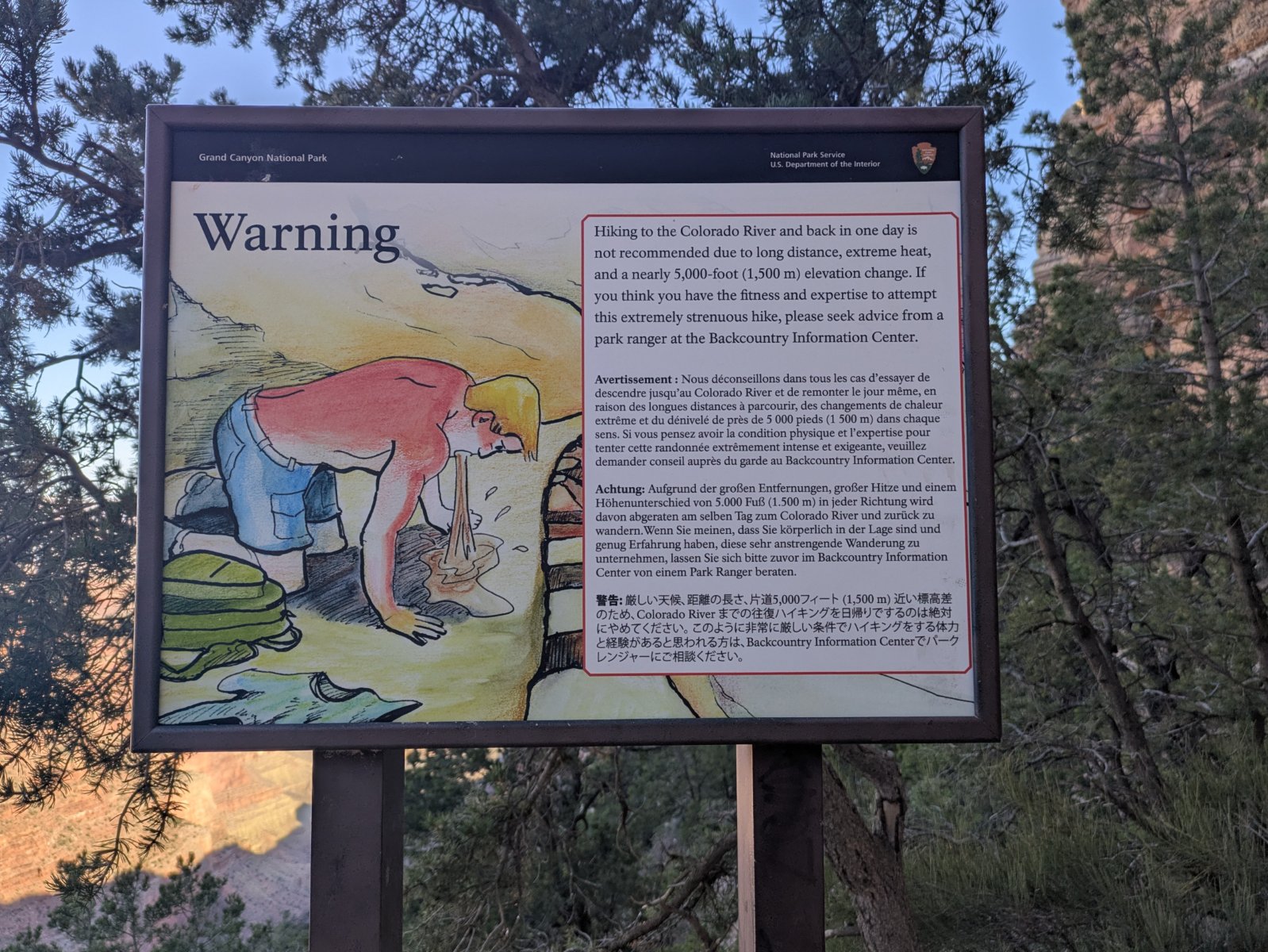
This trail was more busy than I enjoy, but it was still a huge winner. It started off with an enormous set of steep switchbacks and then had a great variety of views before finally making it down to Cedar Ridge. There’s a simple outhouse there along with a volunteer ranger who encourages people to not go past that point.
The rangers call this guy Vomiting Victor.
Can you spot Tyla and Elijah in this photo?
We were nervous about the hike back up but thankfully a lot of it was still in the shade and we made good time going back up. By the time we were back up there, a search and rescue volunteer was at the top of the trail chatting with people before they headed down. Hiking in the Grand Canyon is no joke! We packed a LOT of water but used most of it.
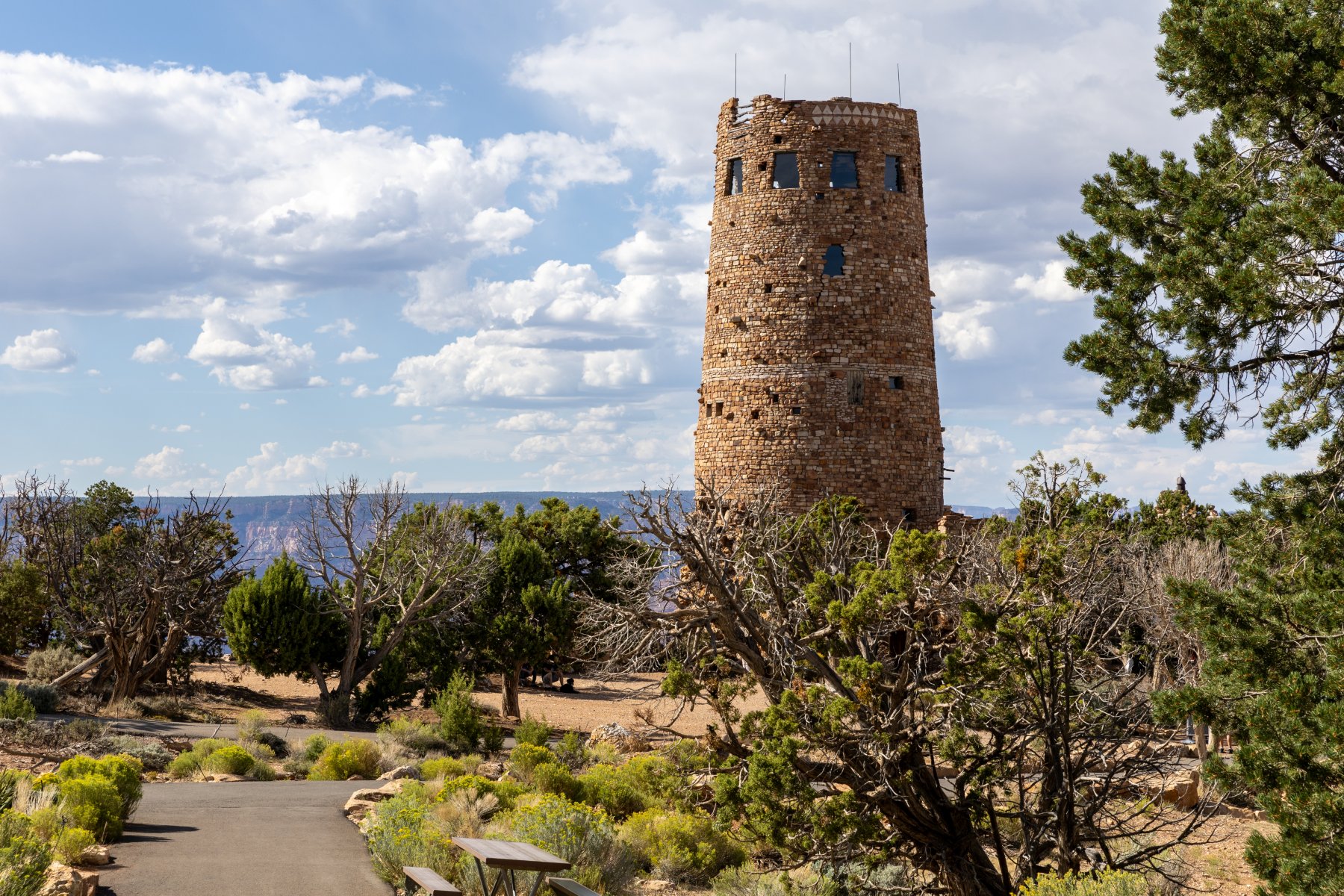
After that, we again headed back to the room for a quick shower and lunch from the cooler again. It was expensive to stay in the village but it was super nice to be able to make a pit stop in the middle of the day! After lunch we powered through our tiredness and took a drive to the Visitor Center and then out to Desert View Watchtower. Like Hermit’s Rest and much of the village it was built ~100 years ago and gave an interesting perspective on the canyon. Access to the top is controlled with free, timed tickets, but don’t worry, they sell ice cream while you wait. They know what they’re doing!
On the way back, we drove through rain for the 5th day in the row but it conveniently stopped every time we pulled off at a lookout.
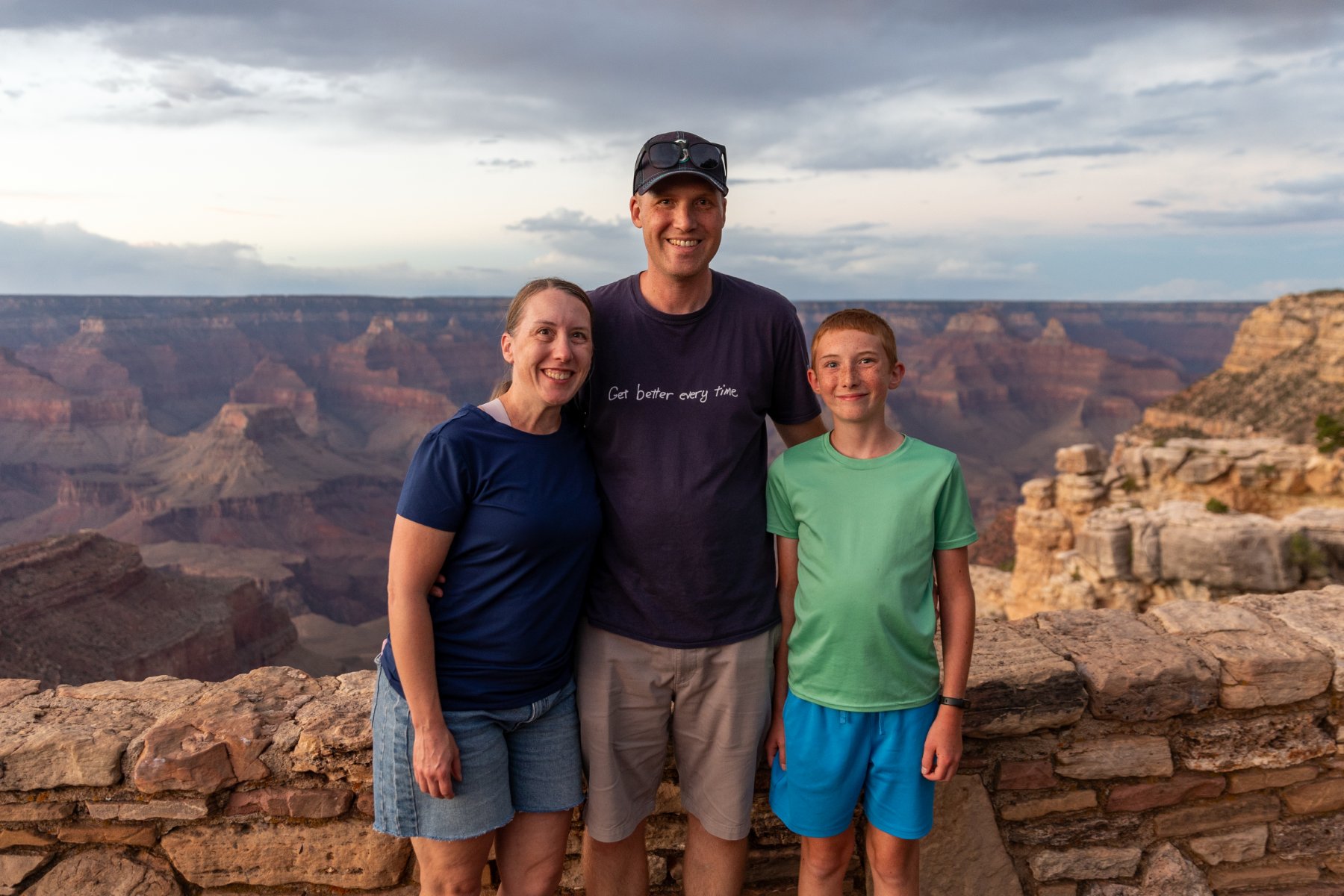
We caught the tail end of sunset on our walk back from dinner this night just like the night before. It was another perk of having our hotel right along the rim. Someone graciously took a nice photo of us and we even spotted another bighorn sheep walking just below the wall. It was hard to call it quits on our last night in the park. We were all very enamored with it and there was so much more we could have explored.
Day 6 – Hoover Dam and Las Vegas
We were up with the sunrise and enjoyed a quick look over the rim for the last time.
We grabbed a quick breakfast at the cafe that was attached to the village grocery store and chugged out of town. Eventually we hit the interstate again for the first time since part way through day 2, but thankfully we’d be back on two lane roads the next day.
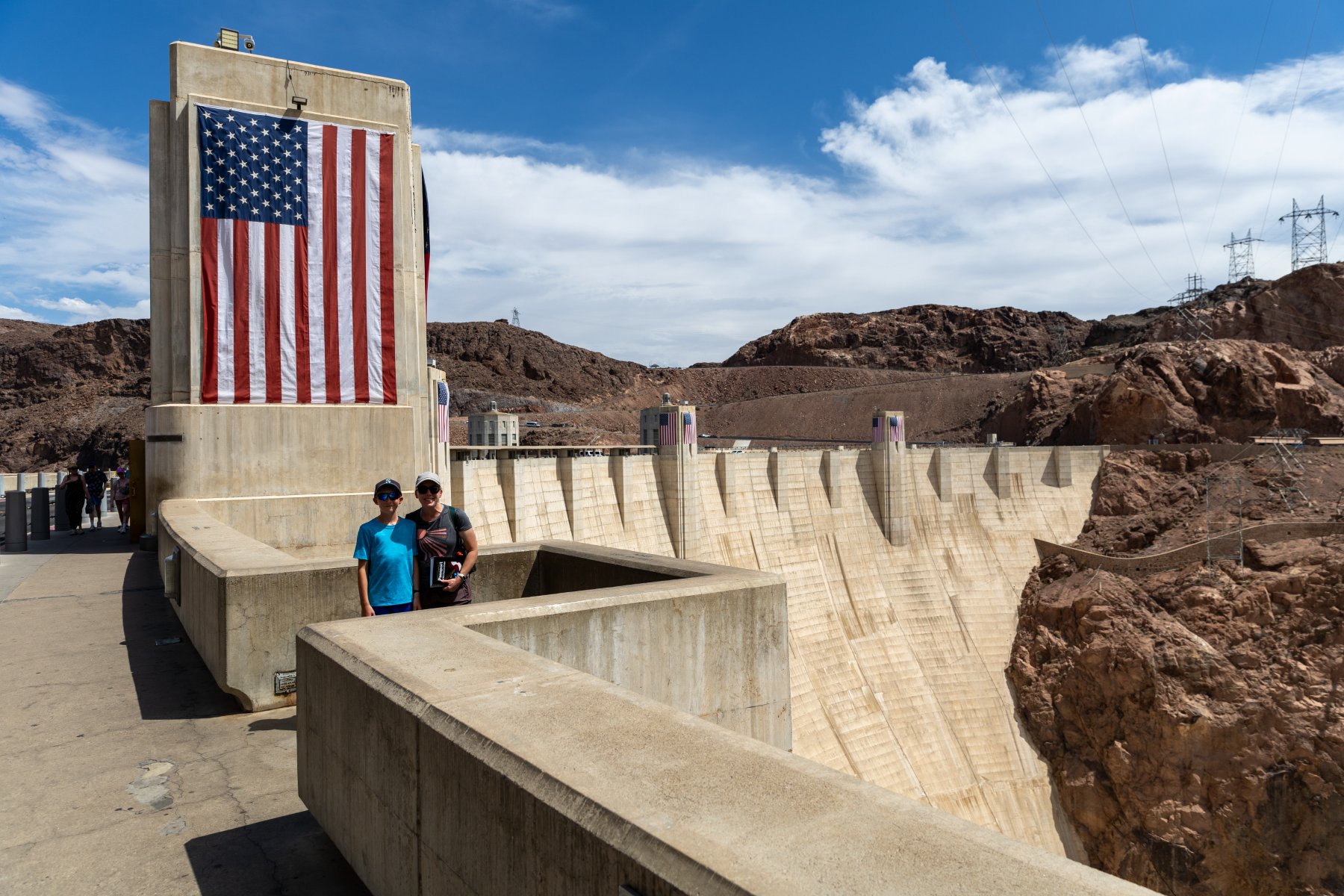
It was about a 4-hour drive to the Hoover Dam. We paid to park in the parking garage to get some shade in the 110 degree heat, but it was still an uncomfortable lunch from the cooler in the parking garage. (We’re fancy like that.) I also gained 5 driving points for getting my truck into that parking garage. The spiral up was so tight that there couldn’t have been more than a couple inches to spare between my front right bumper and the outside wall. I just kept my eyes pinned in my side mirror keeping the left rear tire as close as possible to the inside curb. We fit. Barely.
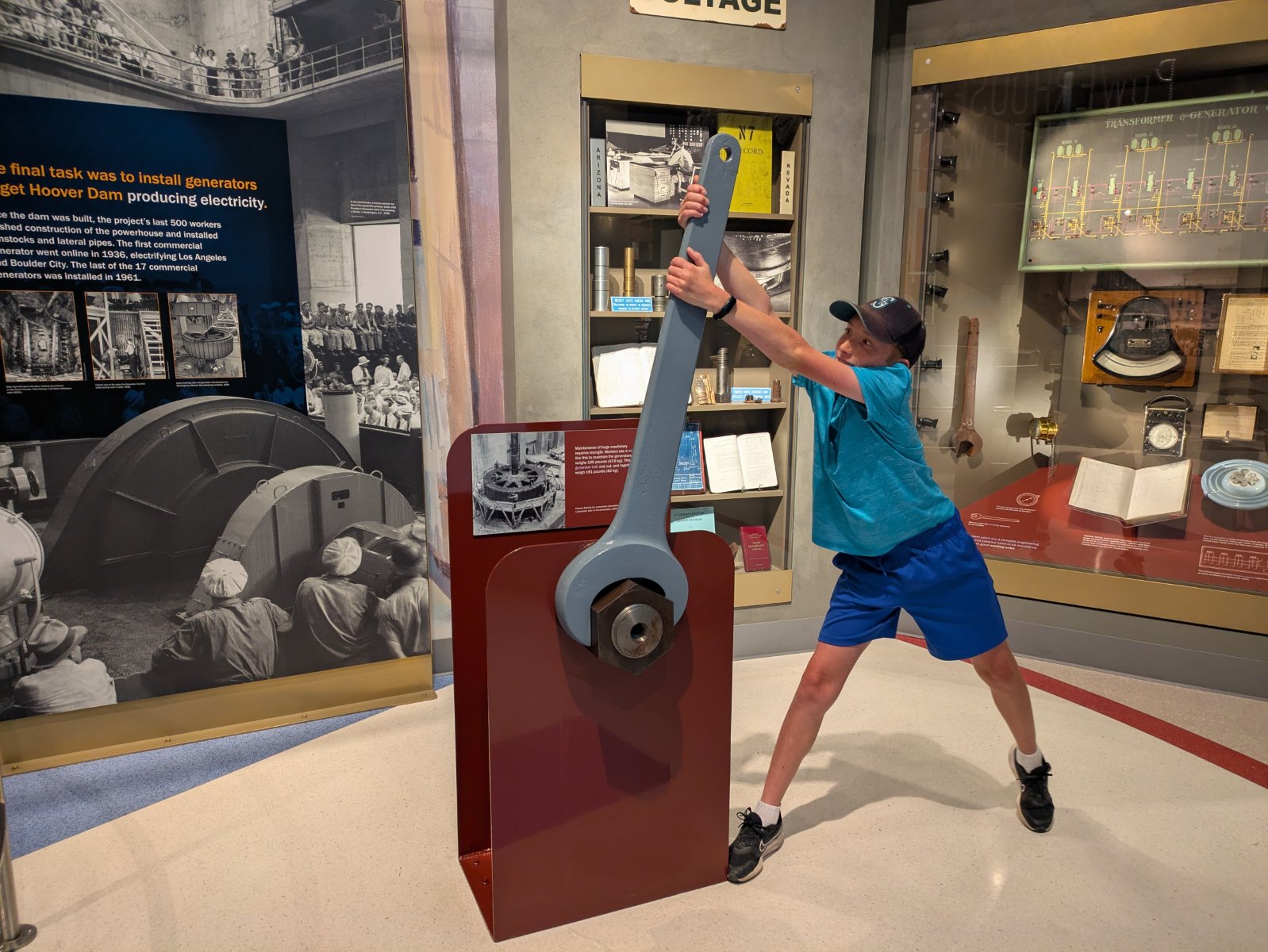
I didn’t have much of a plan here other than that I knew I wanted to stop. It was so hot that we basically just made a beeline for the first doors we saw and thankfully it was the air-conditioned visitor center. We didn’t really have time for the full tour so we opted for the museum, and it ended up being one of the best museums I’ve ever seen. We did the various indoor lookouts and then braced ourselves to walk out along the dam a bit to look over the edge. Then we beelined it back to the truck before we melted and enjoyed an air-conditioned drive across the dam and back. In nicer weather with more time, there’s more I would have liked to explore, but even with the quick stop, I’m glad we got to see it.
From there it was a short drive to Vegas (where we again drove through rain). Tyla and Elijah enjoyed the pool while I went to the grocery store to restock our fridge. We took our first family Uber trip into Vegas (it was cheaper and less stressful than paying to park the truck). I was thankful to be a passenger so I could actually look around. It was new for all of us.
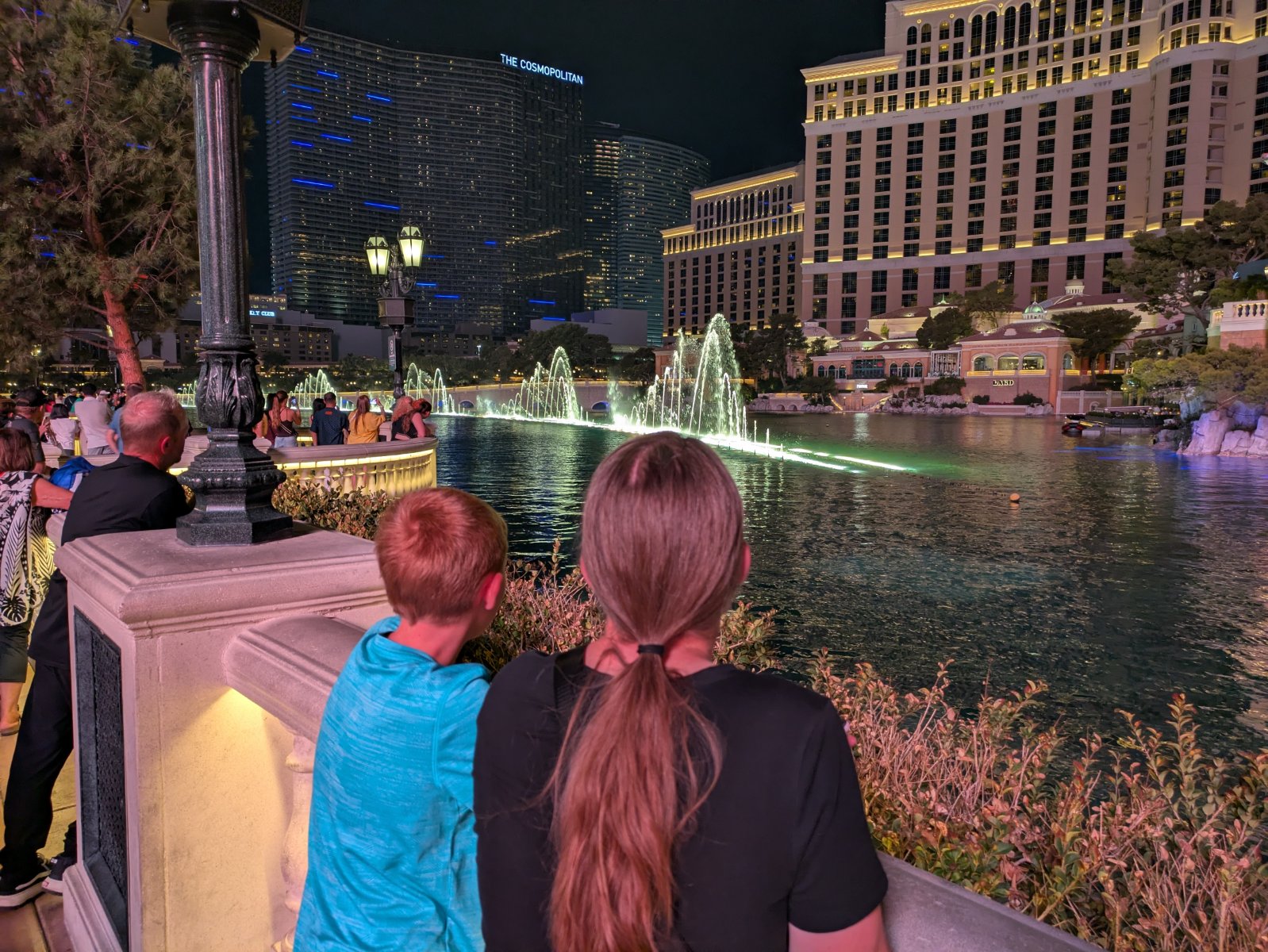
It was still hot even though the sun went down but we enjoyed dinner at Favorite Bistro in the LINQ Promenade. I definitely felt like a dorky, clueless dad trying to navigate my family there. Thankfully the food was excellent and then we went on a quick walk. We successfully ended up in front of the fountains at the Bellagio right before a show started. That was super cool and it was neat to see the Vegas strip lit up at night, but it was late and we were hot/tired.
That was the point where I realized that there was no way an Uber was going to stop on the strip to pick us up. I had no idea how to get to a place where they could get us. Finally, we made our way through a casino to the dropoff and pickup area. It was a fairly long/hot wait, but we made it back to the hotel.
Day 7 – Death Valley
You know what a lovely place to go would be after the 110-degree weather in Vegas? How about Death Valley!
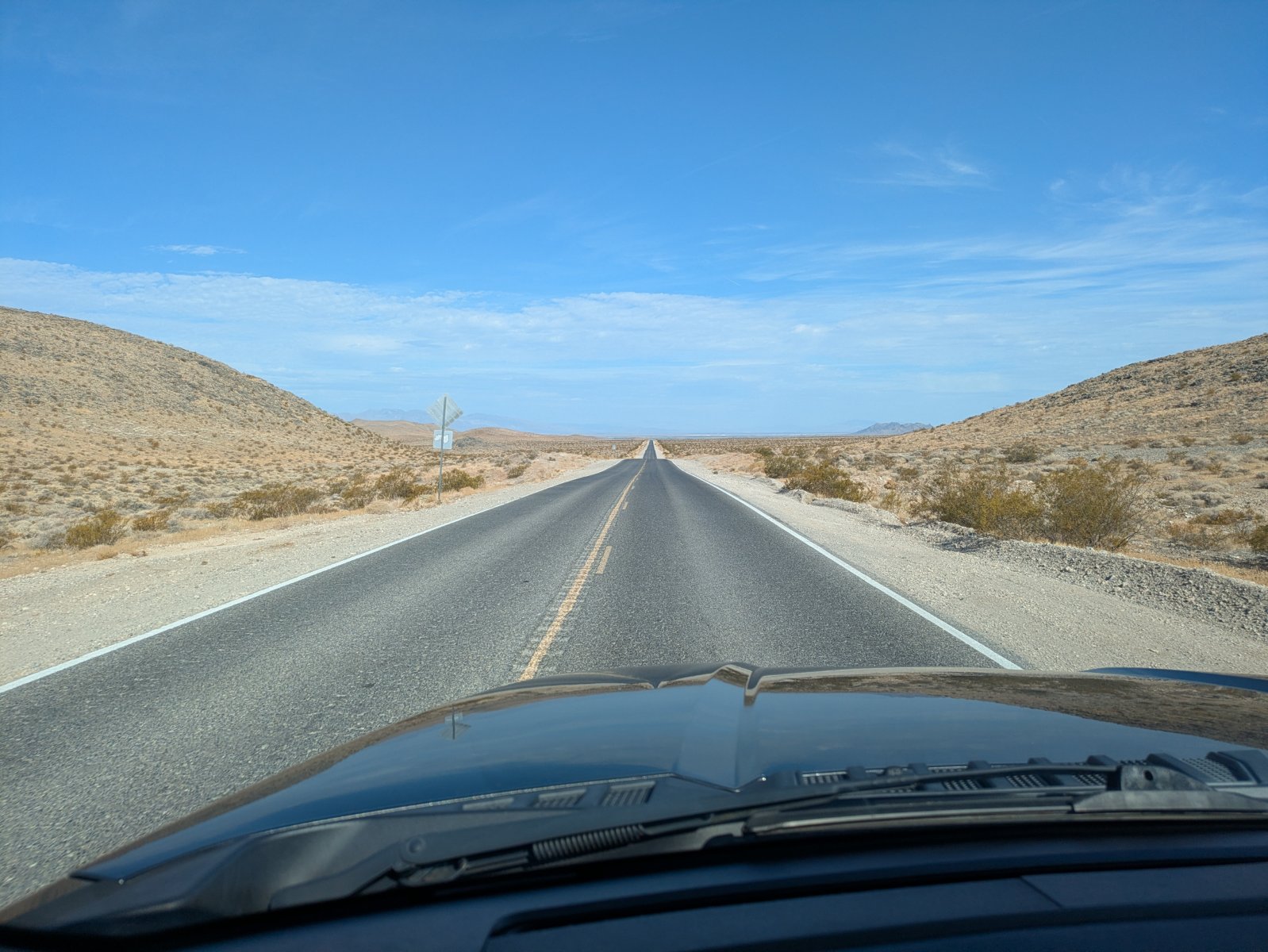
The drive to the park was a lot more interesting than I expected. I pictured that whole area as flat and empty but there was a lot of terrain to keep things interesting and it only took us a couple minutes to get off the interstate and back onto two lane roads.
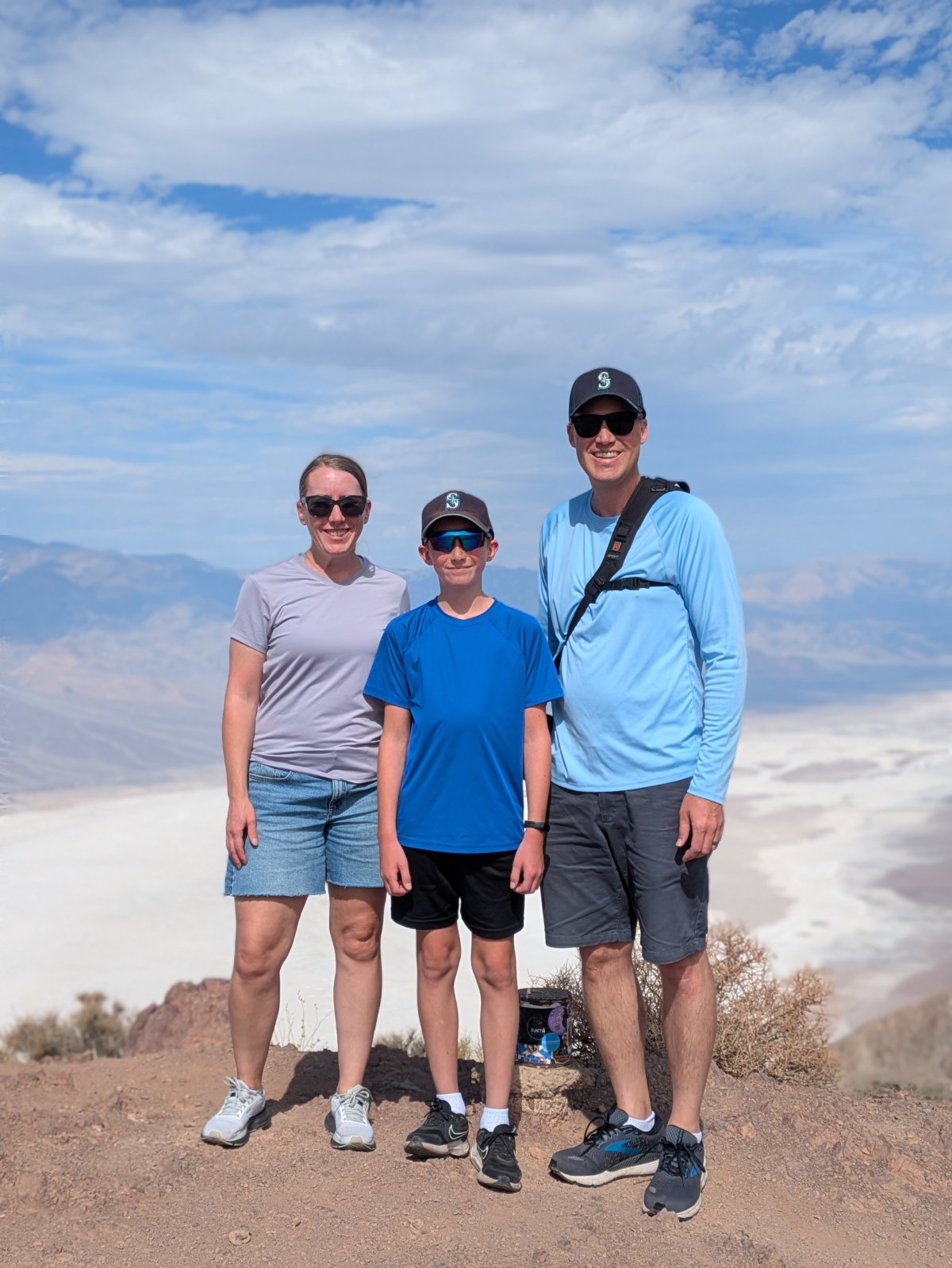
Our first stop in Death Valley was Dantes View. The road up there had some intimidating signs about the final quarter mile being a 15% grade. And in that heat with nobody around I did think twice, but aside from the drive being interesting, the view was amazing! We crested the final rise into the parking area and we were on top of the world! As an added bonus, it was ~15 degrees cooler up there at 5400 feet. We took pictures and soaked in the view before heading back down.
Our next step was the visitor center. Depending on which thermometer you believe it was around 115 degrees. There wasn’t a ton to see there but we did go through the museum area and get our stamp. I was also very happy that the parking area there had a lot of covered spots so the truck wasn’t baking in the heat.
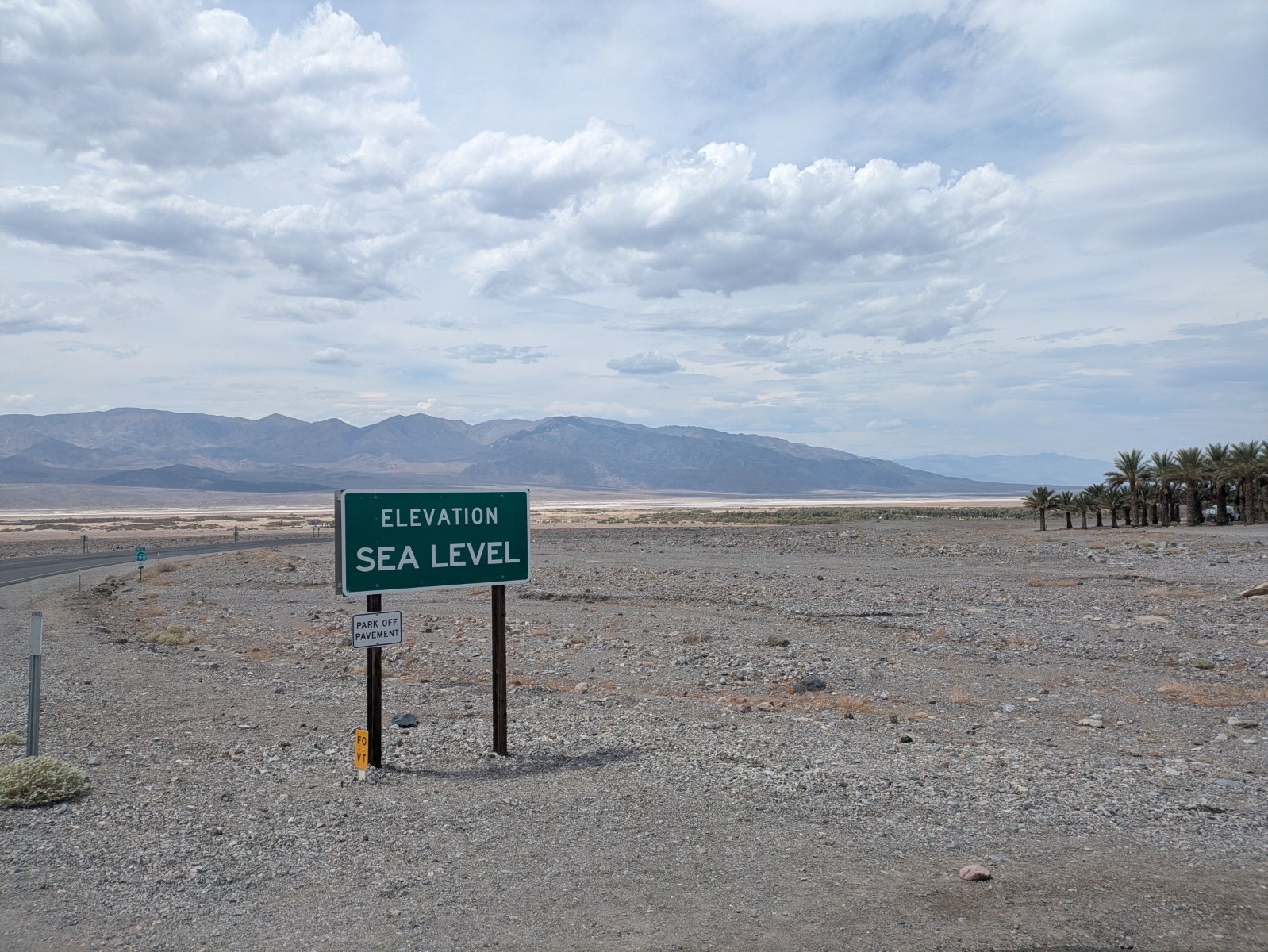
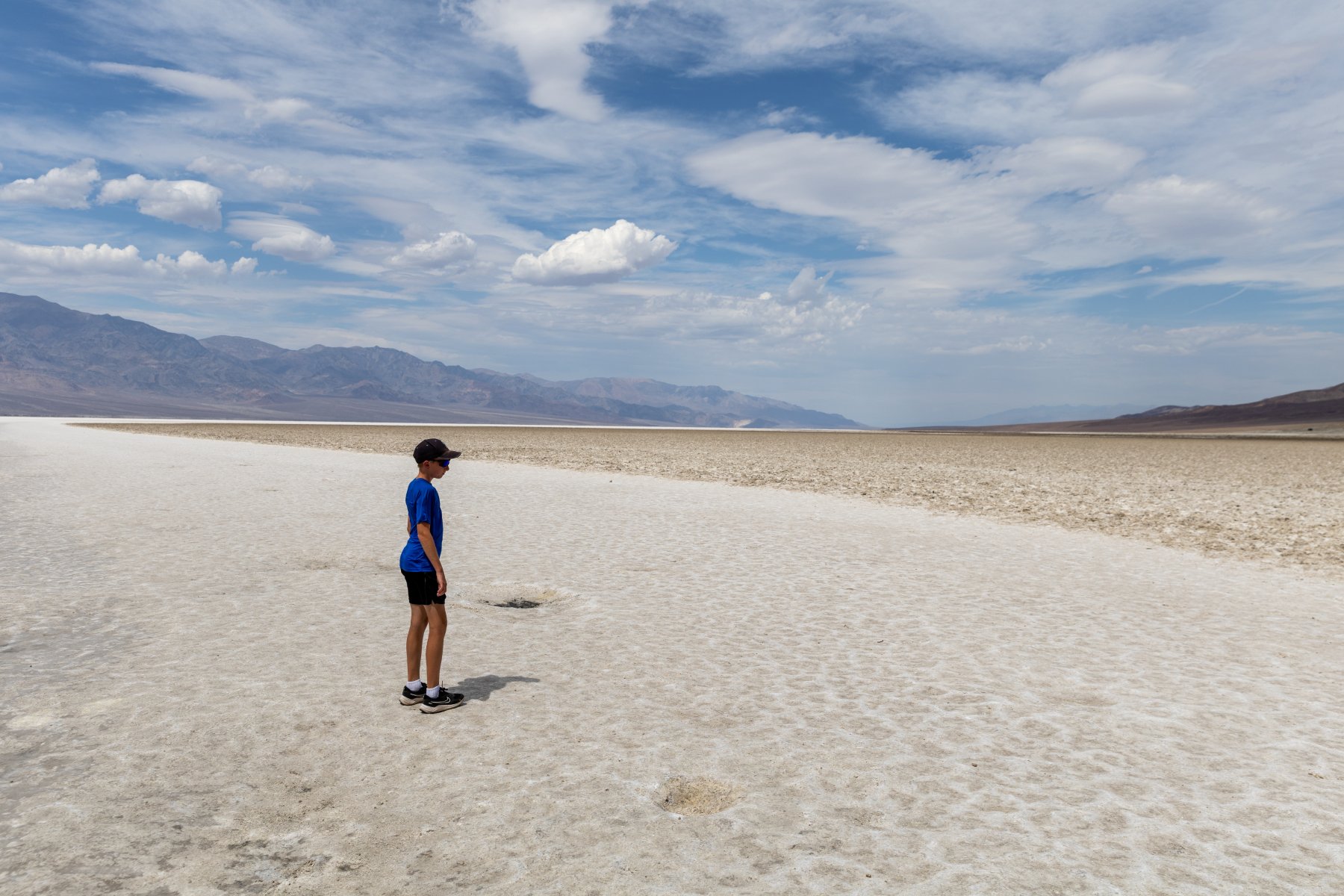
We then made our way out to Badwater Basin, the lowest point in the US at -282 feet. When we got out, the wind must have been blowing the 115 degree air at us around 20mph. It was… not fun. But we were there so we got out, made a determined walk down to the salt flats, spent about 30 seconds there, and then headed back. I know between this and the Hoover Dam we sound like wimps but, wow, the heat was INTENSE. There were signs warning you not to be outside your vehicle for more than 10 minutes.
Our route from there took us along a cool one lane road past Artists Palette and then we headed west towards Lone Pine, CA. Again, I was expecting just some flat boring two lane road but this was the most memorable stretch of road. We went over not one, but TWO, extremely steep and windy mountain passes. I was so thankful that the truck kept purring along as I forced it up those steep grades in the burning weather. There weren’t a lot of other people on around so I was able to take my time and try not to overwork the engine.
That all landed us in Lone Pine. Why would we stop there? And why was Elijah grinning from ear to ear? You’ll find out tomorrow.
This was the first night of the trip that we drove ourselves to dinner! We could have walked the ~2 miles but we would have walked through a bunch of construction and it didn’t feel worth it just for the gimmick of saying we walked to dinner another night.
Day 8 – Cerro Gordo and Reno
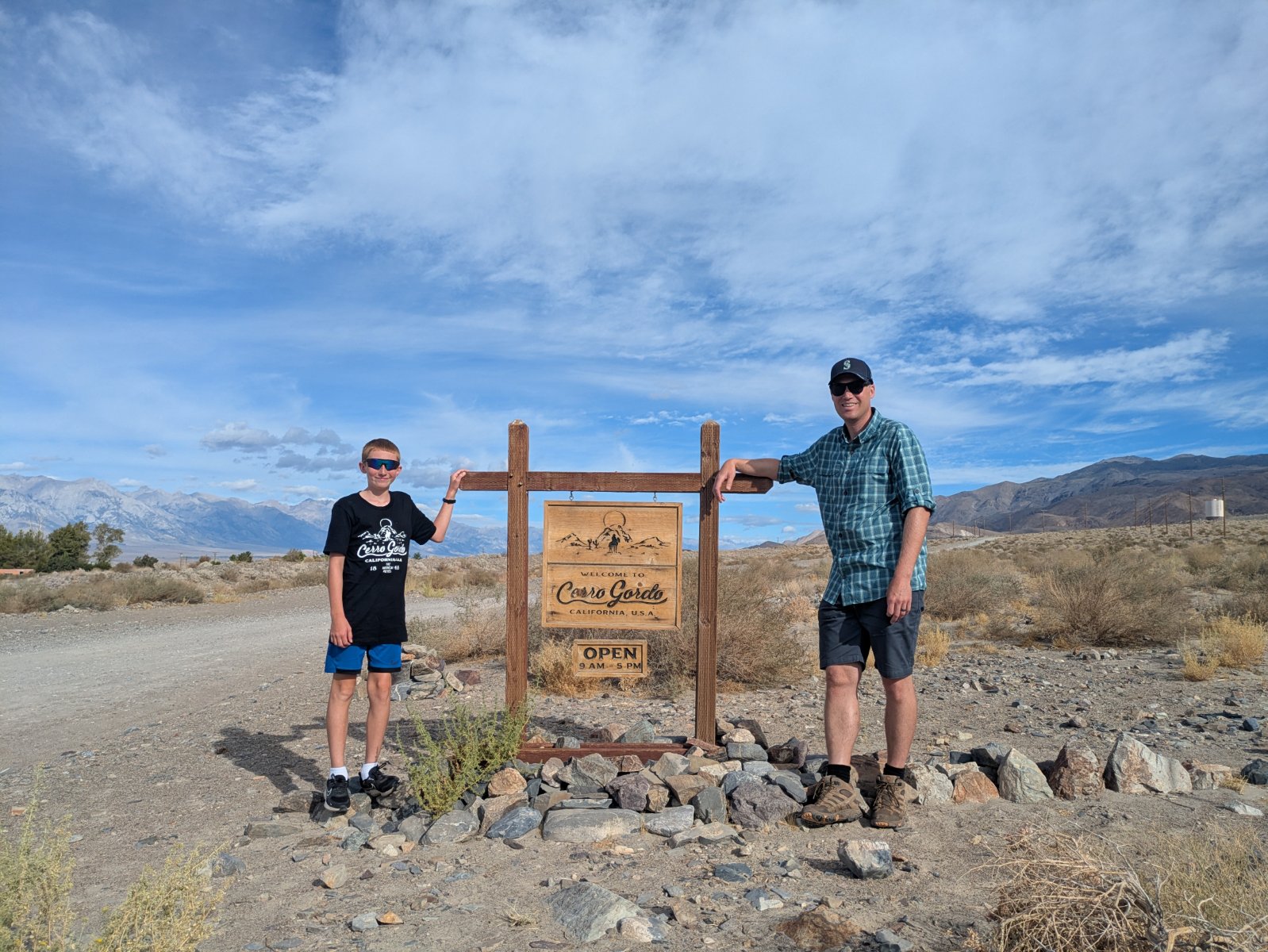
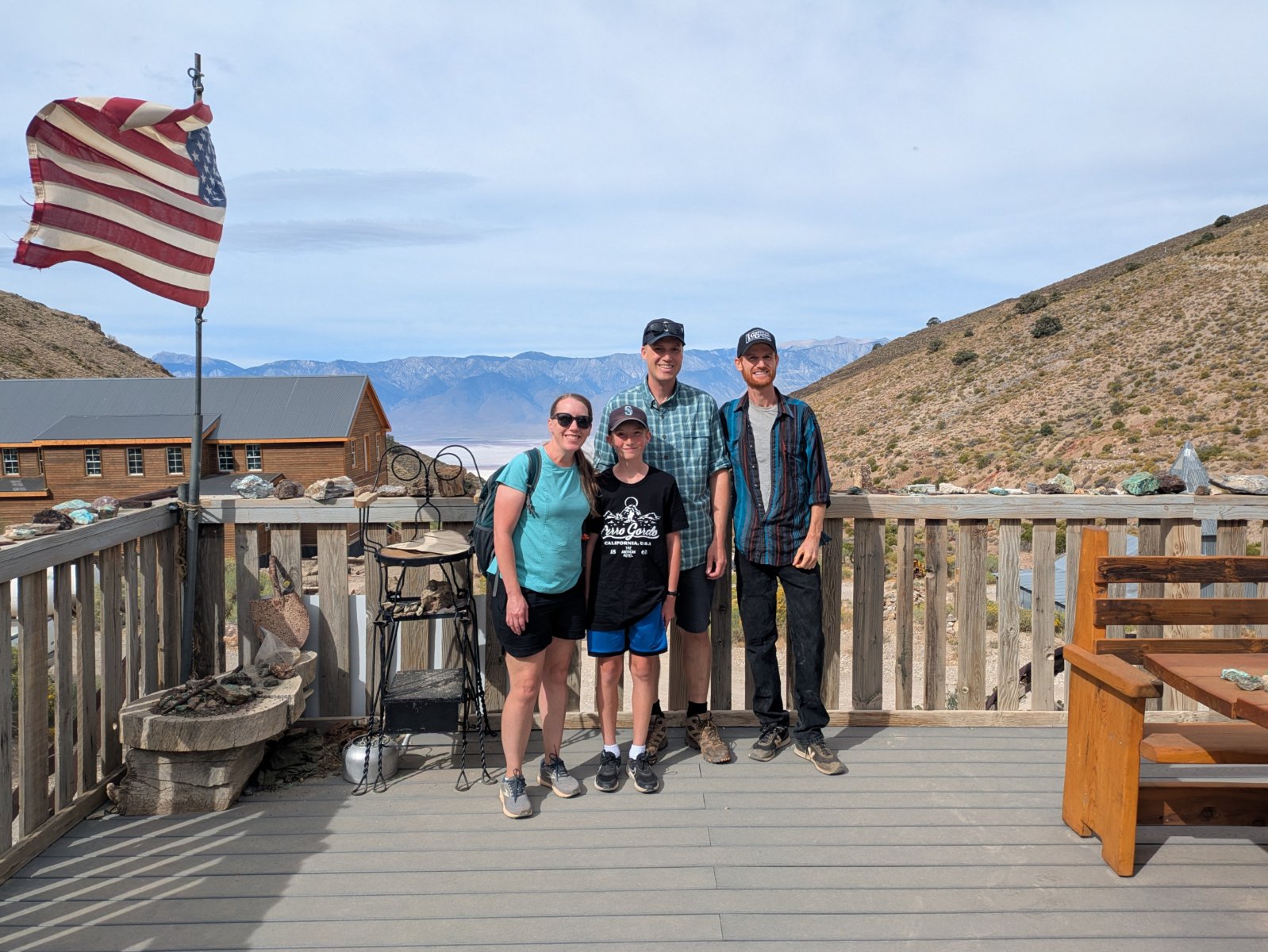
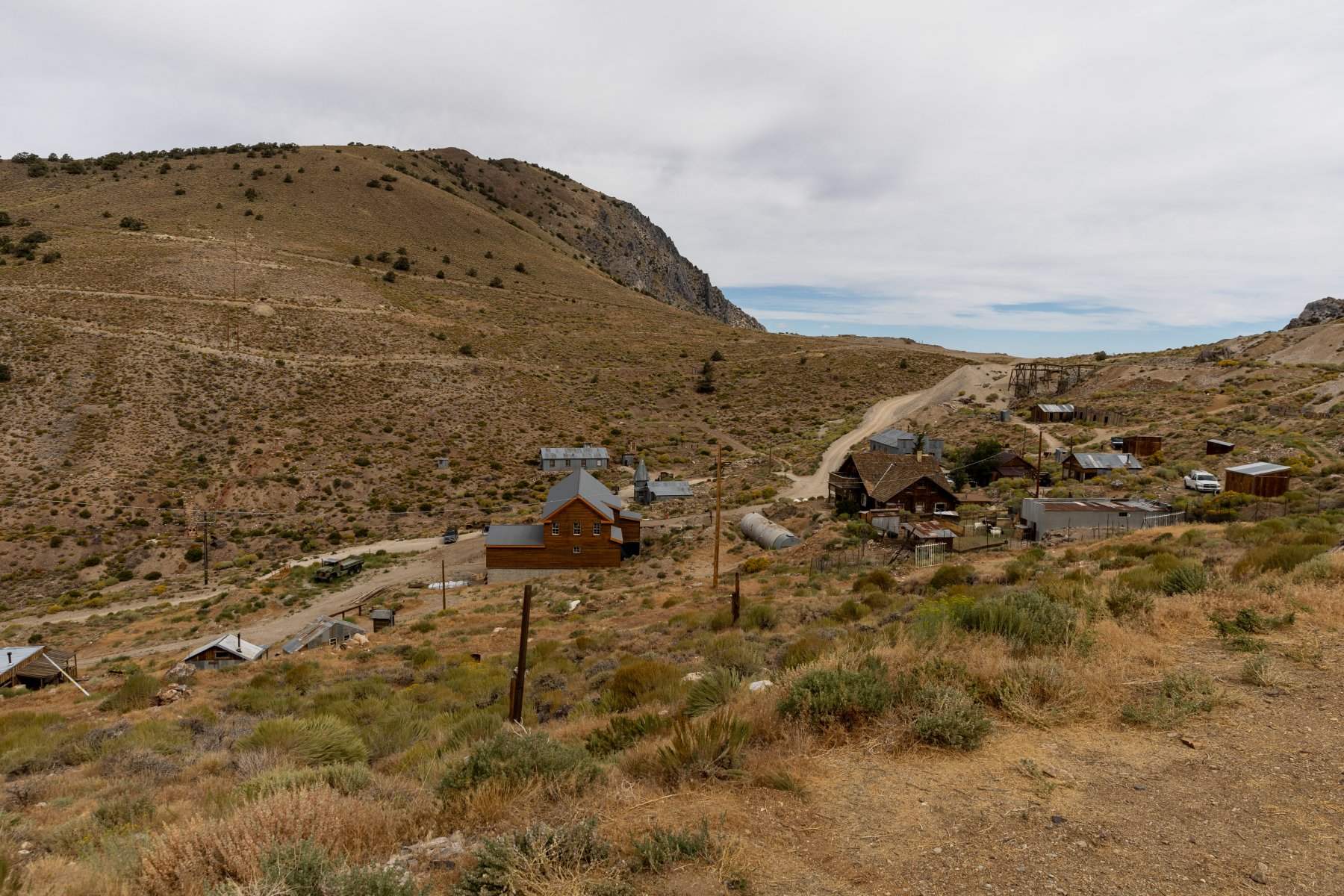
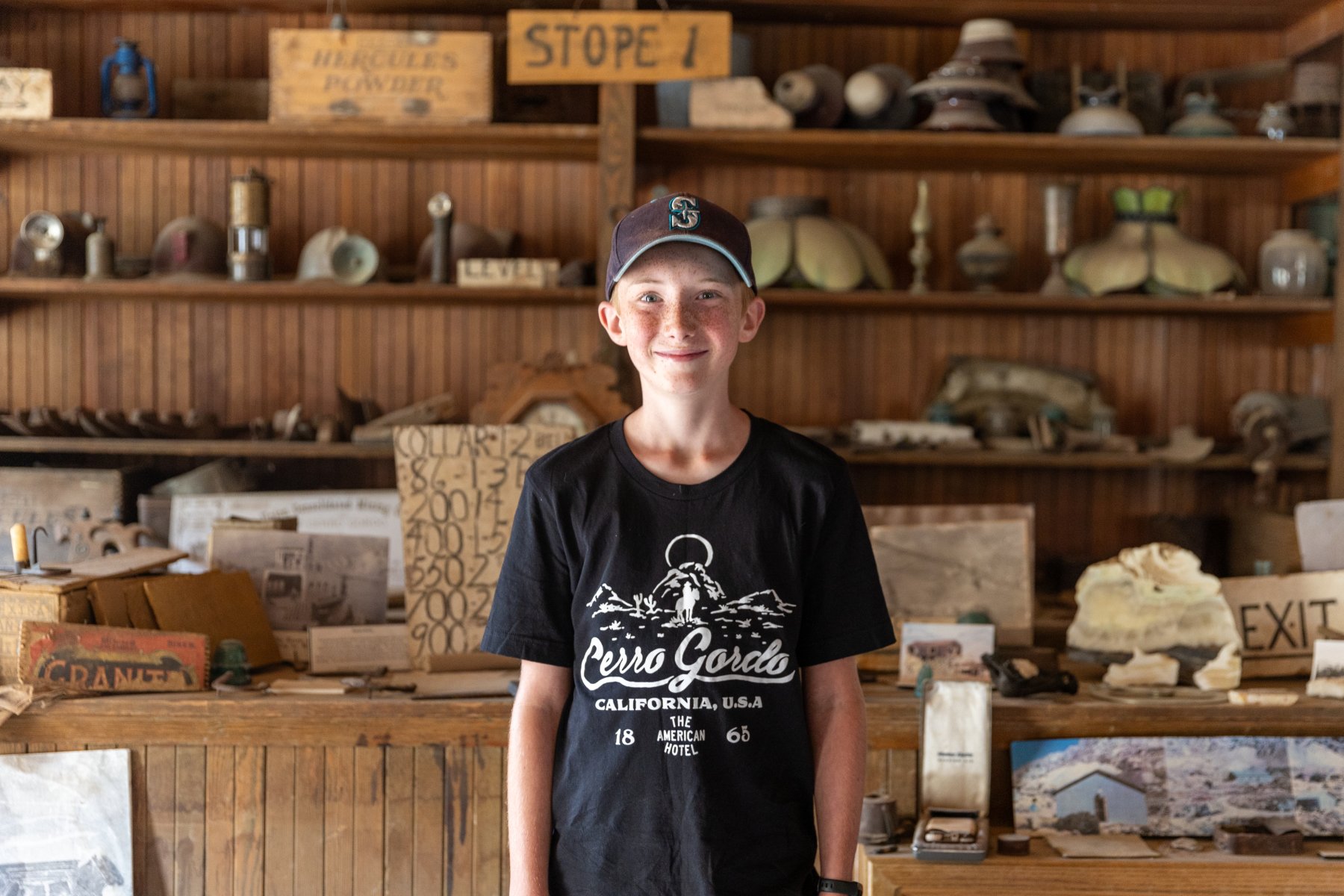
If you ask Elijah about his favorite stop of the trip, I think he would say “Cerro Gordo” and I expect most people would say, “What is that?” I’ve written about it before, but in summary, it’s a silver mining town from late 1800s that has been barely kept standing over the years and was recently purchased by a guy who is restoring it, exploring the mines, and documenting it on YouTube. Elijah and I love watching the videos and Tyla gets in on it sometimes too. The channel had such an impact on me that I ended up talking Tyla into redoing our itinerary to swap out Zion National Park for everything after Day 5!
The road to Cerro Gordo is just outside the small town of Keeler, CA, about a 15-minute drive from where we stayed in Lone Pine. This road is also the main reason why we drove the truck. It’s about a 7.6 mile road that climbs over 4000 feet. If you do the math, that’s an average of a 10% grade. While I people report making it up and down fine in AWD SUVs, I would not feel comfortable doing it in anything other than at least all terrain tires with 4WD. Given all the reports I’ve seen about cars and trucks overheating, we took our time getting up the hill. It was narrow, steep, and rocky, but we made it without issue.
Once we got to the town, we checked in with the town manager, Stephen who was hanging out on the porch playing his guitar. There were a few other cars there during our visit, but we didn’t bump into anyone else. We started at the museum and thoroughly enjoyed looking around at all the stuff Brent (the owner) had pulled out of the mines in his explorations. While we were looking around, we saw Brent step out of his house, and we waved, not expecting a big response from him. I felt a little weird being there and feeling like I was invading his privacy even though he says he likes to help teach people about the town. With all that in mind, I was really thankful when he came into the museum to say hi to us! It’s a bit awkward for me to meet people like this since I know so much about them and they know nothing about me, but we had a good quick chat. After we finished chatting, I talked to him privately and asked if he minded taking a photo with us and he seemed happy to do it. Super cool!
We explored the museum, goats and alpacas, two small houses (including the one he made into a library), the assay office, Lola’s, and the maintenance building/church/theater. While he does a good job of communicating the layout of the town, it’s neat to have been there and have the relationship of all the buildings baked into my memory. There were a few buildings that were off limits with the main one being the hoist house. You can barely even get to a point where you can see that, but given the 900 foot hole, I can understand.
After a couple hours there, we started back down the road. Except for the fact that I had experienced the road once already, I was more nervous about going down than up. There are insanely sharp corners with huge dropoffs. There are not a lot of good places to have a brake problem. So we crept down in 4WD in first gear and even that required a lot of brake action. It took us 35-40 minutes each way, but we made it safely back to Keeler and back onto paved roads. It was at this point that I acknowledged that maybe doing an offroad adventure like this with your family when you’re 1000 miles from home wasn’t the best idea. Ha!
We said a thank you prayer for the safe excursion and headed north. The previous night I had been looking at Elijah’s National Park passport stamp book and realized we were driving past another spot for a stamp. It lined up with a lunch/bathroom break so we stopped at Manzanar National Historic Site. After destroying the ecology and economy of the area by diverting Owens River to get water to Los Angeles, the government had a great idea to remedy the economic situation: put a relocation center there during WW2 to house Japanese Americans. Double mess.
It clearly was not the happiest place that we visited on the trip, but it was a very well done museum and it was interesting to learn about something we hadn’t expected to see. It fit in well with our trip because there were some mentions of Cerro Gordo, and the first group to be relocated to Manzanar was from Bainbridge Island which is very close to our house. While the Japanese Americans were there, they started a garden and some of the fruit trees are still going strong. The rangers were giving away free pears that had just been picked and we happily took some.
From there it was about 4 more hours in the car to Reno. The drive up Owens Valley was really beautiful with the Sierra Nevadas on the left and the Inyo mountains on right. We drove through a lot of very small towns (all two lane road), stopped at an old gas station that didn’t have any way to pay at the pump, and saw a herd of wild horses by a lake.
Reno was fine for an overnight stop. We had picked a Mexican place for dinner, but we didn’t realize it was in the bowels of another casino. The portions were about 3x of what we needed but the food was decent. It was my first time ordering from an iPad menu too!
Day 9 – Crater Lake
Our route from Reno to Seattle took us past Crater Lake. Sort of. Crater Lake is fairly difficult to get to on a trip like this but we crammed it in anyway. We got our usual very early start out of the hotel and made the 6-hour drive to Crater Lake. Thankfully it was mostly on 2 lane roads with good views.
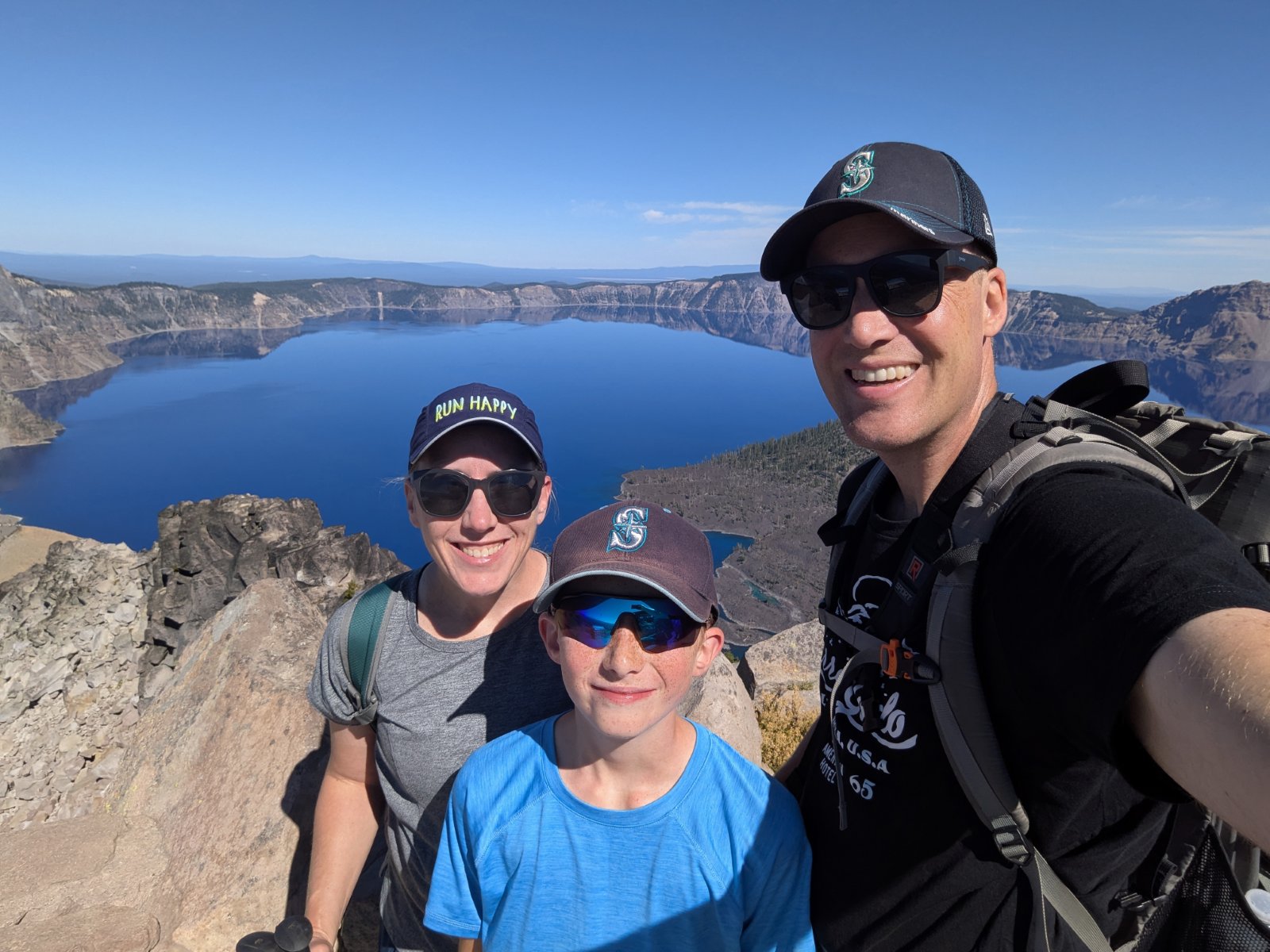
We made it up to the rim of the lake in the early afternoon. In contrast to the rest of the trip, I had very little plan for what to do here. We started at the visitor center to get a stamp and get our first views of the amazingly blue water. Then we picked out a hike up to a fire lookout (The Watchman) which gave an even better overview of the lake.
After a few hours in the park, we made the ~1.5 hour drive retracing our steps back to Klamath Falls, OR. We found a delicious BBQ restaurant for dinner where I enjoyed something called a BBQ Sundae (mashed potatoes topped with beans, coleslaw, pulled pork, etc.)
Day 10 – Home
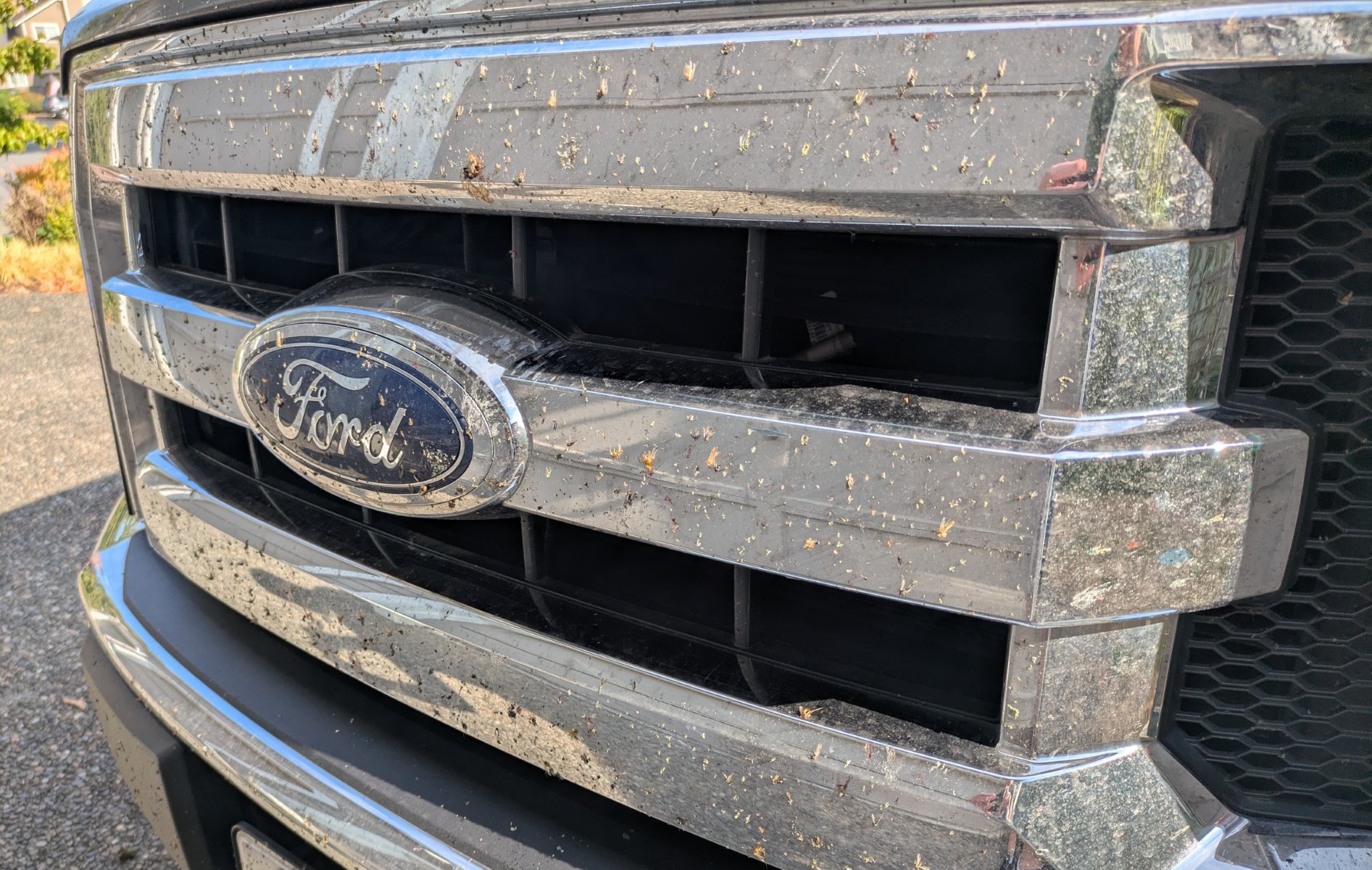
The final day of our trip arrived and while we didn’t necessarily need to leave super early, we knew we’d end up hitting traffic and we were eager to be home so we made another early start. It was about 8 hours of drive, and after fighting our way through heavy traffic for the last ~4 hours, we made it home with quite the collection of bugs on the grill and lots of Cerro Gordo dust in the bed and on the tailgate.
Stats
The entire trip was 3279.2 miles driven in 61:17:05 for an average speed of 53.5mph and we averaged 20.2 mpg. I had pessimistically planned for 20 mpg but we came pretty close to that due to some incredibly strong headwinds for both of our first two days which made the 75-80mph speed limits suck even more gas.
Speaking of gas, the highest price we saw for regular unleaded was $7.29. The most we paid was $6.25 and we mostly avoided filling up in California. We averaged right around $4.90 for our gas over the whole trip. Driving a truck on a trip like this isn’t exactly an efficient choice and there were many times I wish we had the Tesla, but the truck was worth it for the drive up to Cerro Gordo and packing in it was definitely convenient.
I plan our road trips at 60mph whether we take the car or the truck. That estimate is pretty close when you factor in our bathroom stops, but we made better time the first couple days thanks to higher speed limits and maybe a stop or two less than normal (65mph on day 1 and 67mph on day 2.) Our two lane days were a few mph slower than 60 but it still holds up as a good estimate for us.
I was surprised at how evenly our miles were spread across all seven states:
WA: 412 mi (13%)
OR: 639 mi (20%)
ID: 283 mi (9%)
UT: 526 mi (17%)
AZ: 444 mi (14%)
NV: 205 mi (7%)
CA: 659 mi (21%)
I keep track of all the counties Elijah has visited and he got 22 new ones on this trip. Over 2000 of our miles were in those new 22 counties. Nevada was a first for me too.
As I’ve mentioned multiple times with our county exploration trips and summer road trips, we really love getting off the interstate. I didn’t specifically plan for it this time, but it still worked out nicely. Here’s a breakdown of our road types:
Interstate: 1537 mi (52.7%)
4+ lane highway: 316 mi (10.8%)
2 lane highway: 987 mi (33.8%)
Dirt: 16 mi (0.5%)
Other: 63 mi (2.1%)
Wondering how I got all these stats? I wrote quite a few interesting map analysis programs with my AI agents to calculate all this.
Our road trip bingo game went well. Just like our Yellowstone trip, we found all the states except one: West Virginia. Do people there ever take road trips? We had 48 plates by day 2. Then we added Rhode Island on day 3, and Vermont was finally spotted on Day 10. We also got 5/13 Canadian provinces and 2 Mexican states.
Best Signs
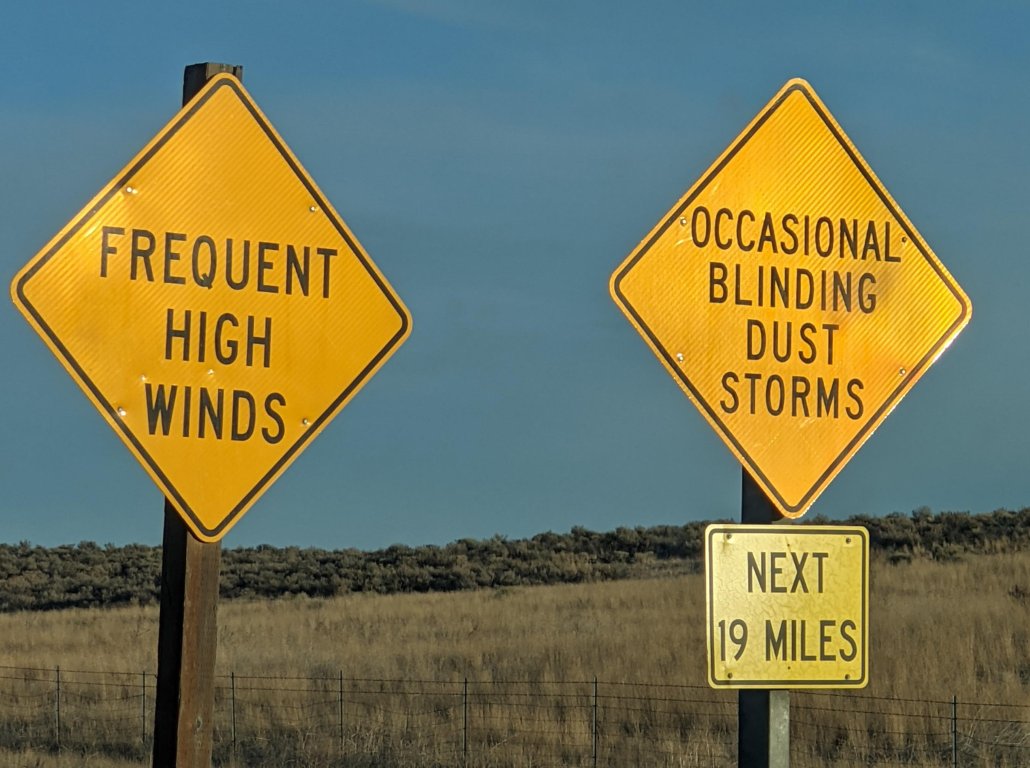
This is maybe a weird category, but we saw two very unique signs. The first is one we saw twice on our Moab trip, but I failed to photo it. This time I didn’t photo it myself, but I was careful to mark the GPS location so I could find it online later:
OCCASIONAL BLINDING DUST STORMS
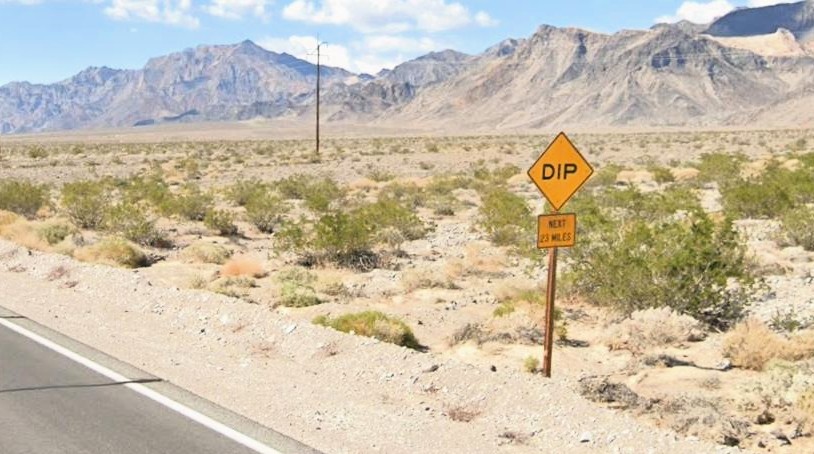
The other was on the way to Death Valley.
DIP, NEXT 20 MILES
How do you have 20 miles of dips? It turns out that when a wash cross the road, they dip down to make sure that the water can easily make it over the road without (hopefully) undercutting the road and washing it away.
Wrap-Up
I know this was super long, but I wanted to get this all written down to enjoy down the road. We have so many good memories that this post could easily have been much longer. And through the whole thing, I said a lot of thank you prayers. So many things went unexpectedly perfect that I literally ended up making a list on my phone of all the things we had to be thankful for. They wouldn’t all make sense to post here, but the weather was a giant one. How do you take a 10-day trip across the southwest in August and have ZERO SMOKE? There were many places where we saw signs naming mountains on the skyline and commenting that many of them aren’t visible because of smoke, haze, and smog, but we could see them all at every stop. Our trip could have felt much different if we weren’t able to enjoy those expansive views with such clear air.
These road trips to national parks are my favorite family vacation. We hadn’t planned to do another one this year after doing Yellowstone last year but I’m so glad we did! It felt very different from our Yellowstone trip since we were changing hotels most nights (and that got old), but both trips were super enjoyable in their own ways. I’m thankful that Tyla and Elijah not only put up with these trips but deeply enjoy them too!
I’m a little slow in posting this, but earlier this summer, we enjoyed another trip back to Indiana to visit family. This was a special one because we were celebrating (slightly early) my parents 50th wedding anniversary!
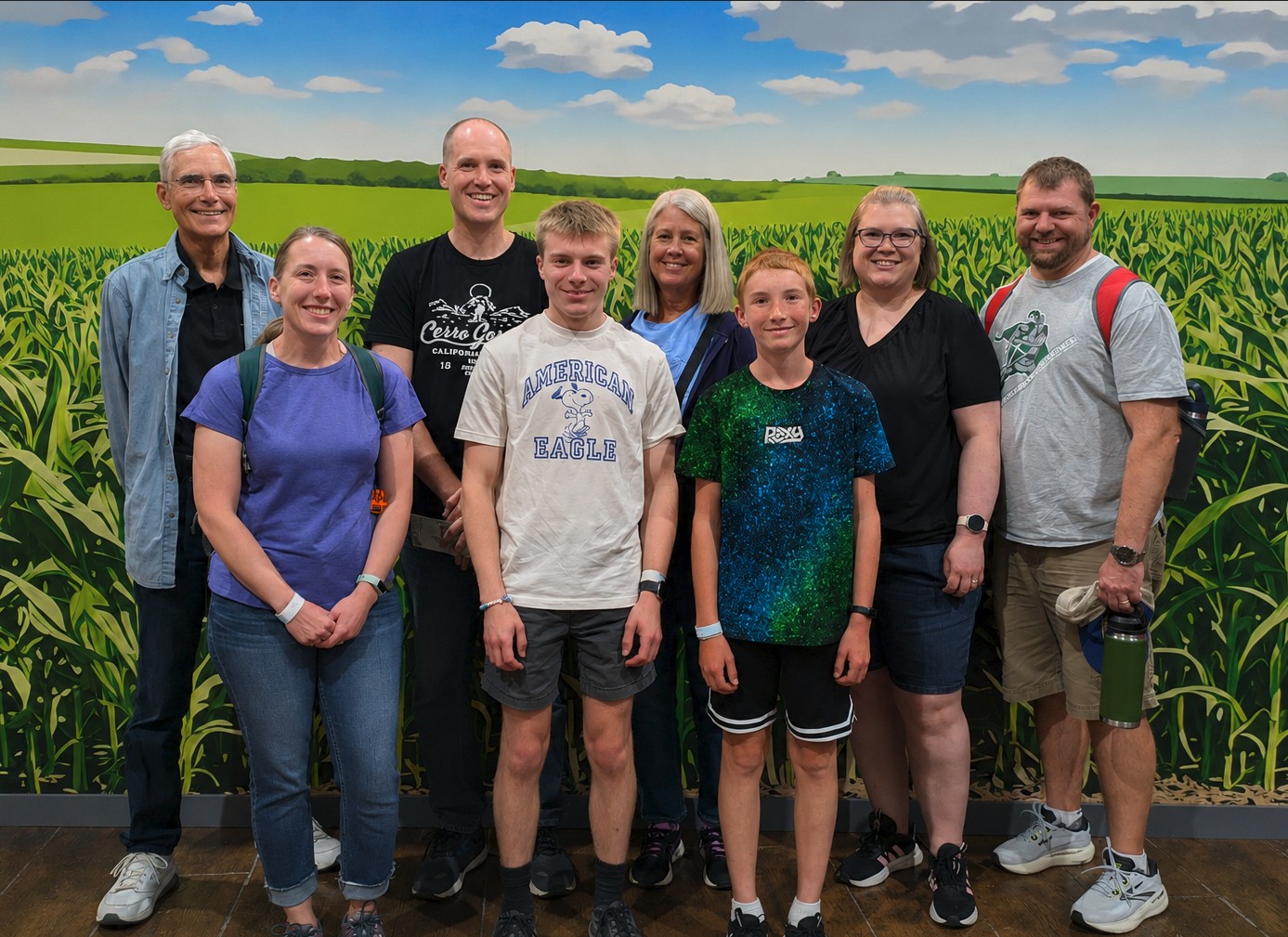
We had a new (for some of us) adventure this time when we visited Fair Oaks Farms. It’s a dairy farm with ~20,000 cows. It’s an enormous operation and the tour was very interesting! That’s also in the general area of my grandpa so we were able to visit him as well.
The rest of our time was filled with swimming, cornhole, croquet, watching Elijah drive the mower around, Dad teaching me how to drive 1954 Allis Chalmers, board games, target practice, and lots of good food.
I’ve continued to think about this. It’s a bit sobering to think about how much of our time each day is spent being influenced by an algorithm. Social media is all about feeding you things that will make you swipe up one more time for as many hours as they can. The news is about tweaking your emotions in a way that you can justify as keeping yourself informed but is financial motivated to keep you watching longer. Streaming TV services are constantly monitoring what you watch and feeding you more things that will keep your eyeballs on their service so that you will keep paying the monthly fee.
If it was all altruistic, maybe it wouldn’t be as bad, but one peek behind the curtain quickly dispels that theory. At best its corporations driving their bottom line, but all three of those are also being heavily influenced by other nation states and organizations with their own motivations (none of which are healthy for you or for the country.)
All of these things are fine to consume in moderation, but I wish there was some way for everyone in America to actually have a report at the end of the week about how much time they spent on these things. Your phone will give you that report (there are apps for it if it’s not built in on your phone), but people have to enable that and then look at it. Do it for a week or two and tell me that you’re proud of the results. Over the last few years, I’ve been weaning myself off of these kinds of apps where you can never scroll to the end and while it was REALLY hard at first, now I don’t miss it and I’m certainly glad I did it. The only one I still use regularly is YouTube, but I make it a point to not scroll through any recommendations and only watch the latest videos from what I’m subscribed to. Once you start ripping it out of your life, you start to realize how many other places it tries to creep in. It’s a constant battle.
I think in 20-30 years, we will look back at this time and think about it like I think about smoking. When I was growing up, smoking was everywhere, but now we realize how terrible it is for your health. This one is going to be even harder to measure though because while there are certainly health aspects, I think the mental, social, and spiritual effects are even worse. Is this overreacting? Maybe. But am I going to regret doing something valuable with my time instead of scrolling? Never.


Social Media Limits for Kids
Shortly after I wrote my last post about being careful about how much time I spend on apps with endless scrolling, there was some big news: California passed SB 976 which bans algorithmic feeds and late-night notifications for minors. That takes effect on January 1, 2027. There are also two bills working their way through the federal level this summer that do similar things. And this is all in addition to many other states and countries that are in various stages of similar bans.
I have mixed feelings about all this. I’m concerned about the effects of social media and endless-scroll apps on all of us, so I like that we’re doing something to push back on this a bit and make people more aware of the dangers. But on the flip side, I don’t love the government getting involved like this.
The good news is that this feels like another step forward in the very early process of the public starting to realize how harmful these types of apps are. There are plenty of studies showing links to things like anxiety, depression, loneliness, sleep disruption, and dementia, but we’re still lacking the unarguable causation of long-term health implications like we have with smoking.